Apple has released a new update for Apple TV, tvOS 18.2.1, which addresses a particularly important problem: the faulty synchronization of data between devices. Even if the update seems inconspicuous at first glance, it is worth taking a closer look.
With its regular updates, Apple ensures that the devices function smoothly and remain up to date. But not every update is noticeable or brings visible innovations. Smaller point updates such as tvOS 18.2.1 often have specific goals: fix bugs, improve stability and keep everything running in the background. For users of an Apple TV, which often serves as the control center for HomeKit in the smart home, such updates are nevertheless crucial.
What's new in tvOS 18.2.1?
The update fixes a problem where data could not be synchronized correctly between devices. This affected, for example, the exchange of settings, playlists or other synchronized content. This is an important improvement, especially for users who use multiple Apple devices. The update was added to Apple's update tracker on Thursday and released around midnight. It is a follow-up update to tvOS 18.2, which introduced the popular Snoopy screensavers that change automatically and provide visual highlights. tvOS 18.2.1, on the other hand, focuses purely on fixing the synchronization problem. Apple has not yet reported any security-related changes or known vulnerabilities (CVE entries) that were addressed in this update. Nevertheless, it remains important to always install the latest software to avoid possible vulnerabilities.
Why is this update important?
Even though tvOS 18.2.1 does not bring any major new features, it has a central importance:
- Troubleshooting: Synchronization between devices is a core function that makes Apple products work smoothly. A bug in this area can affect the entire user experience.
- Stability: Small updates like this one ensure that your Apple TV continues to run reliably.
- Smart home relevance: If you use your Apple TV as a control center for HomeKit, it is particularly important that all systems run stably.
How do you install tvOS 18.2.1?
The update can be installed quickly and easily. Follow these steps:
- Open the settings on your Apple TV.
- Go to System and select Software Updates.
- Select Update Software and start the installation of tvOS 18.2.1.
If you have automatic updates enabled, the update will be downloaded and installed in the background anyway. If you are unsure, you can also start the process manually.
Small updates, big impact: Why tvOS 18.2.1 is important
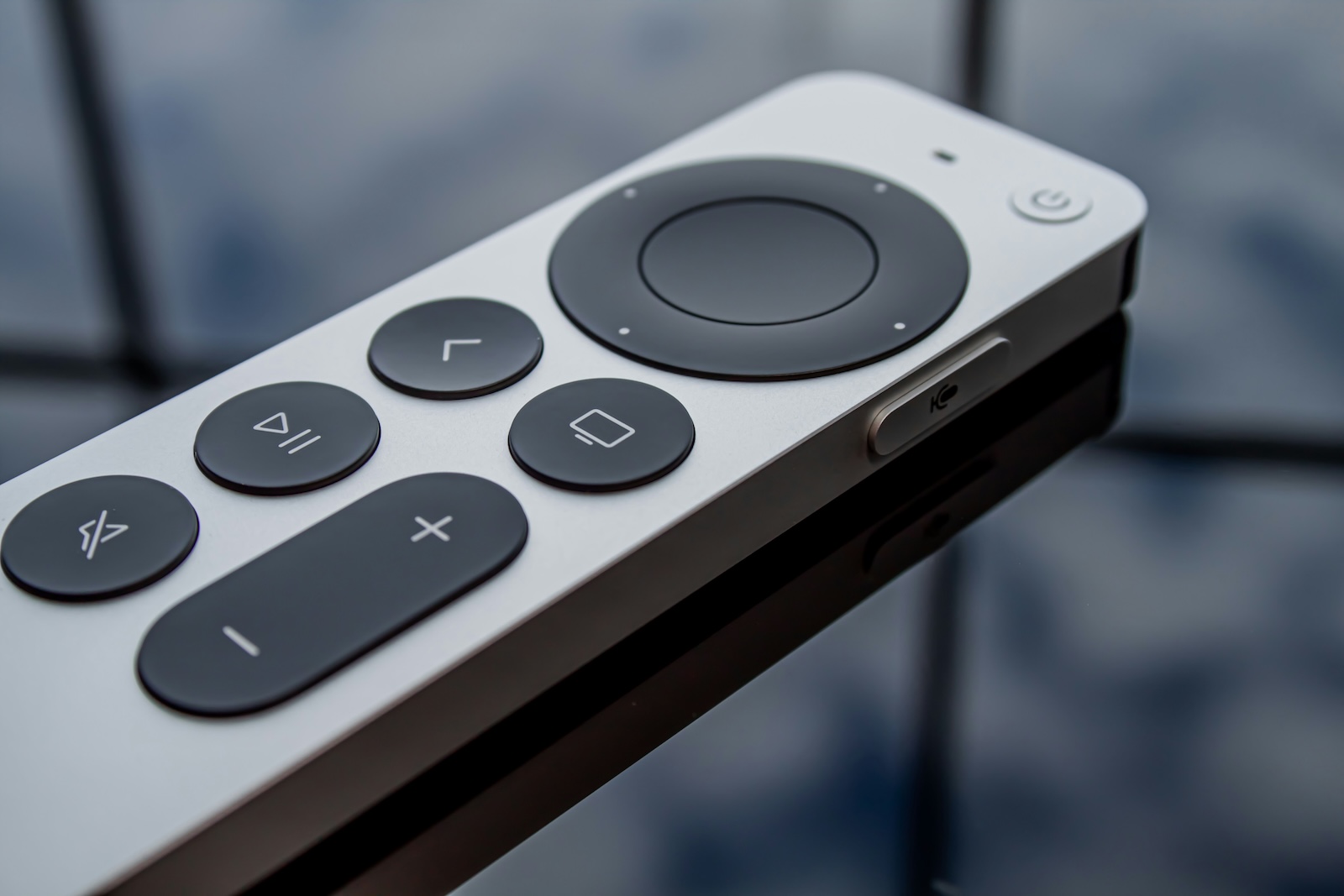
tvOS 18.2.1 shows how important even small updates can be. Fixing the synchronization problem is particularly relevant for Apple users who use multiple devices or control their home with HomeKit. Even if there are no visible changes, this update brings more stability and ensures a better user experience. A quick look at the settings is enough to make sure your Apple TV is up to date. Install tvOS 18.2.1 and benefit from a more reliable system - this is especially essential in the smart home sector. Looking for the best accessories? Visit our Amazon Storefront and discover a variety of products from top providers, including for HomeKit! (Photo by Unsplash / James Yarema)
- Apple releases iOS 18.2.1: What you need to know
- iOS 18.3 reaches third beta – release is getting closer
- iOS 18.3: When will it be released and what's new?