apple patient
  • Home
  • News
  • Rumors
  • Tips & Tricks
  • Reviews
  • Insights
No Result
View All Result
  • Home
  • News
  • Rumors
  • Tips & Tricks
  • Reviews
  • Insights
No Result
View All Result
apple patient
No Result
View All Result

Apple updates iWork for Mac – What’s new

Milan Jovicic by Milan Jovicic
9. July 2020 - 20:22
in Apple News
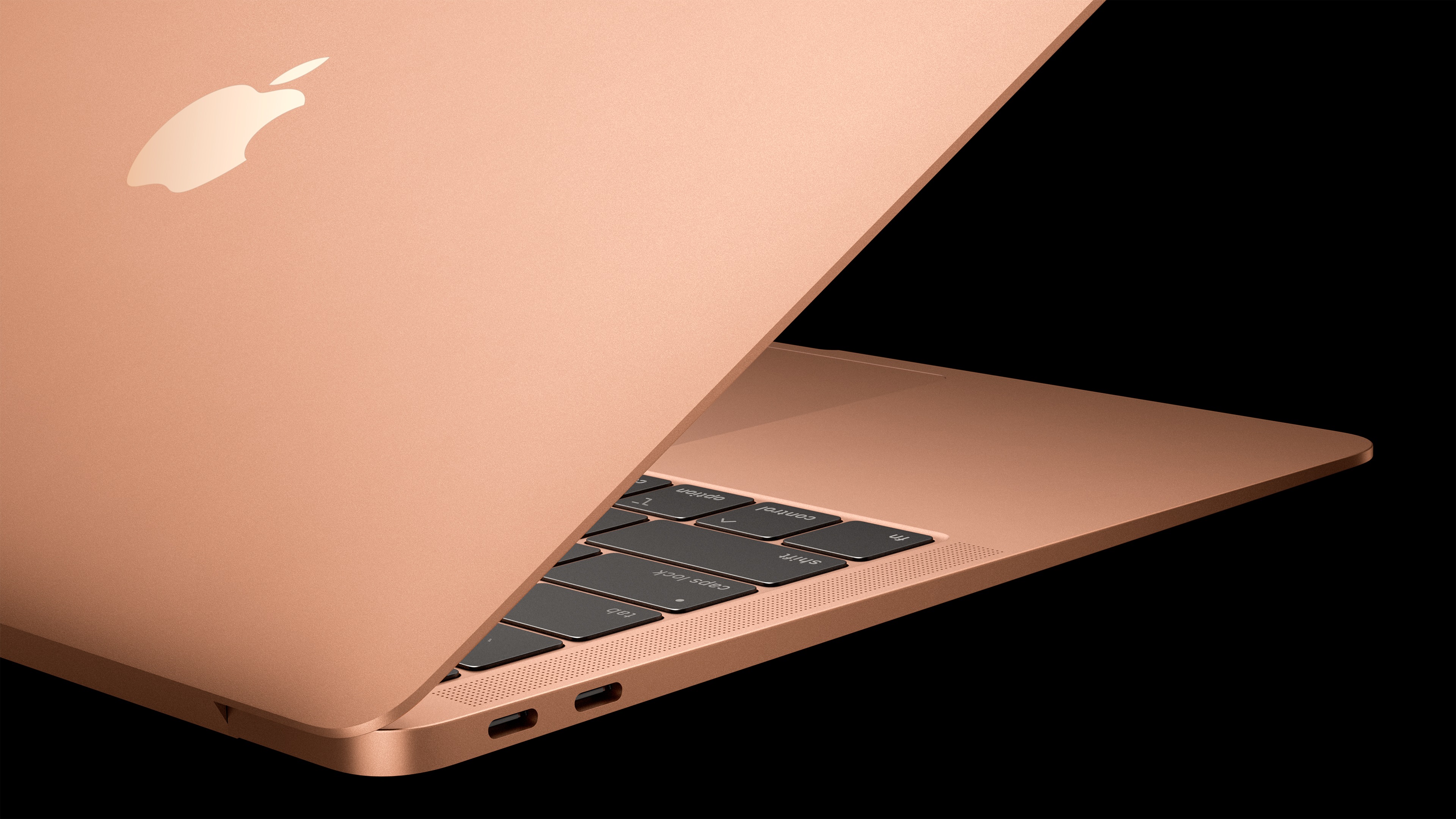
Image: Apple

Image: Apple

Apple today released a series of software updates published and at the same time updated iWork for Mac.

Apple today updated Pages, Numbers, and Keynote for Mac with a number of improvements. Starting today, YouTube and Vimeo videos can also be integrated into Numbers and Pages. Users can add captions and titles to images, videos, and more. Below are the full release notes:

Numbers 10.1

  • Play YouTube and Vimeo videos directly in your spreadsheets.
  • Easily add captions and titles to images, videos, shapes, and other objects.
  • New features, including XLOOKUP, XMATCH, and REGEX, allow you to match patterns, manipulate text, and create flexible formulas.

Keynote 10.1

  • Use the new Play Slideshow in Window option to access other applications locally or via video conferencing during a presentation.
  • Movies can now be played through slide transitions. 
  • Add the same movie to multiple slides to play it from one slide to the next.
  • Use the Align to Path option to keep objects aligned in the correct direction as they follow a motion path.
  • Easily add captions and titles to images, videos, shapes, and other objects.

Pages 10.1

  • Play YouTube and Vimeo videos directly in your documents.
  • Easily add captions and titles to images, videos, shapes, and other objects.
  • Create more flexible formulas with new features.
  • Import an iBooks author book to edit it in Pages.
  • Interestingly, the Pages update specifically allows users to import projects from iBooks Author, since the app was recently discontinued. (Image: Apple)
Make Apfelpatient a preferred source One click – and you'll see us more often on Google
Was this article helpful?
YesNo
Tags: App StoreiWorkMacmacOS

Our Amazon Storefront

A handpicked selection of products for iPhone, Mac and more – sorted by topic and updated regularly.

Shop Now

This post contains affiliate links (including Amazon). We earn a small commission on qualifying purchases – at no extra cost to you. Learn more on our Partner Program page.

Milan Jovicic

Milan Jovicic

Milan founded Apfelpatient in 2016 and has written all of its content himself since 2018 – news, rumors, guides and product reviews. Apple devices here aren't test units for a fortnight but everyday tools: from the iPhone to the MacBook Pro, MacBook Air and iMac through to the Apple Vision Pro, at least one device from nearly every product category is in daily use, many of them replaced annually. Every menu path in a guide is verified on the device before it goes live.

Next Post
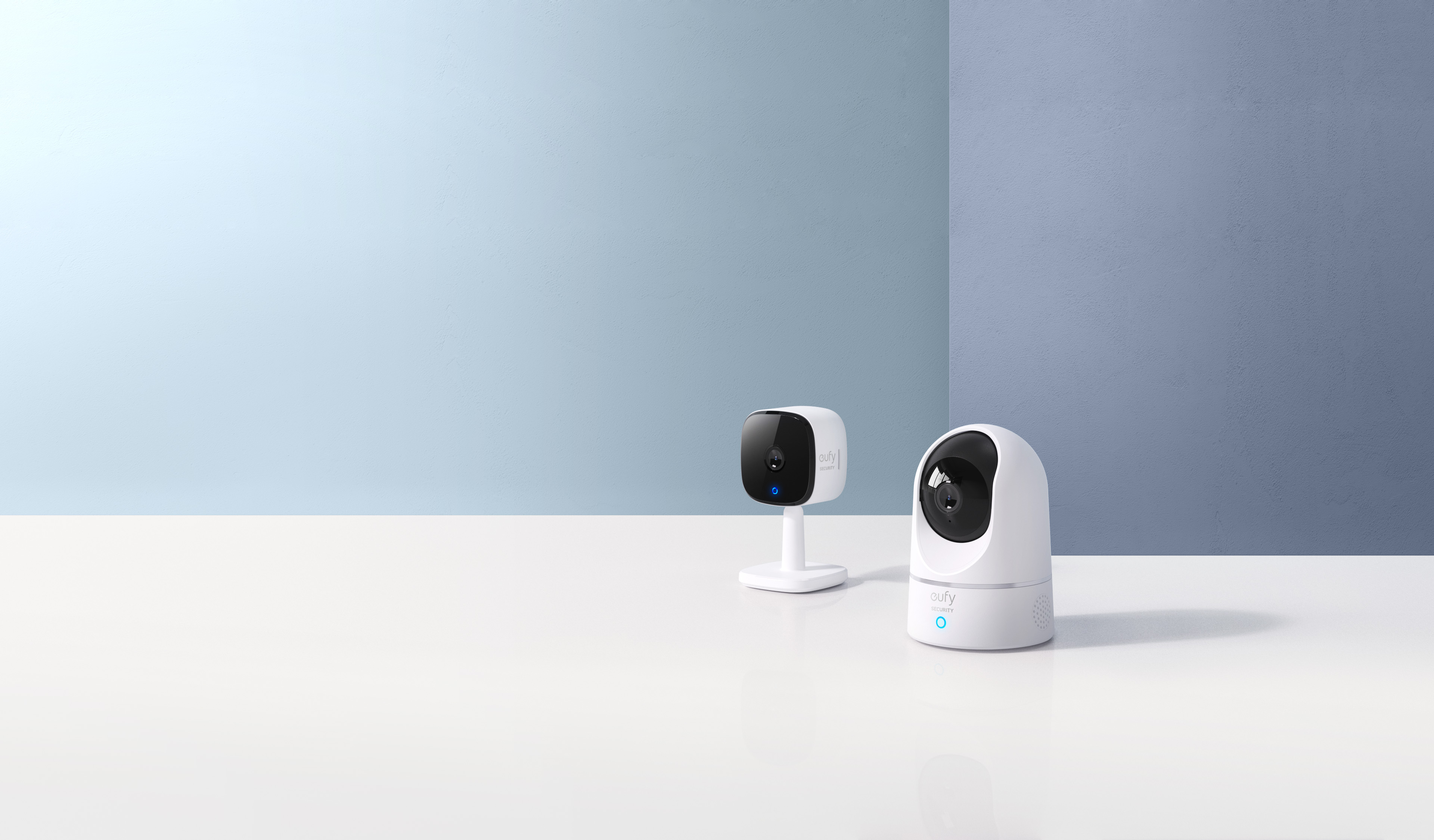
Image: Anker

eufy Indoor Cam 2K: Available now

iPhone Air iPhone 17 Pro

iPhone Air or iPhone 17 Pro? All the differences compared

August 2, 2026
MacBook Air M5: 13 vs. 15 inch – Which size is worth it?

MacBook Air M5: 13 vs. 15 inch – Which size is worth it?

August 1, 2026
MacBook Pro M5: 14 vs. 16 inch – Which size and which chip are worth it?

MacBook Pro M5: 14 vs. 16 inch – Which is worth it?

August 1, 2026

About APFELPATIENT

APFELPATIENT brings you the latest Apple news, product updates, guides, reviews and tips across the entire Apple ecosystem — from the iPhone to the Mac to the Apple Vision Pro. From the first rumors to confirmed news: researched responsibly.

Follow Apfelpatient

Facebook Instagram YouTube threads threads

Company

  • About Apfelpatient
  • Contact
  • Author Profiles

Community

  • Netiquette
  • Push Notifications
  • RSS feed

Legal

  • Legal Notice
  • Privacy Policy
  • Terms of Use
  • Cookie Settings
  • Affiliate Program

Resources

  • Sitemap

© 2026 Apfelpatient. All rights reserved.

No Result
View All Result
  • Home
  • News
  • Rumors
  • Tips & Tricks
  • Reviews
  • Insights

© 2026 Apfelpatient. All rights reserved. Page Directory

Change language to Deutsch