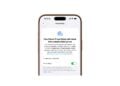
iOS 18.1 Beta: New selfie option for iPhone 16 users
With iOS 18.1, the iPhone 16 selfie camera becomes more accessible. Now you can intuitively switch to the front camera with the new camera controls.

With iOS 18.1, the iPhone 16 selfie camera becomes more accessible. Now you can intuitively switch to the front camera with the new camera controls.
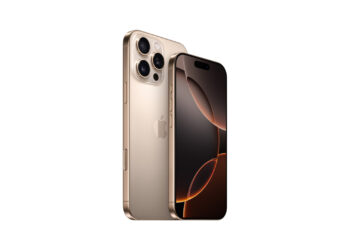
iPhone 16 Pro touchscreen problems? Find out why touches are ignored & what solutions there are until Apple provides an update.
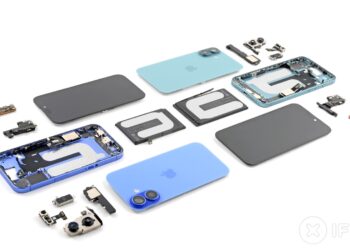
iFixit rates the iPhone 16 as the most repairable iPhone. Discover the new features that make repairs easier and safer.
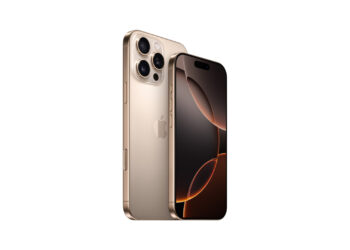
iPhone 16 Pro teardown: Metal-encapsulated battery & better heat dissipation revealed. Find out how Apple optimized efficiency & performance.
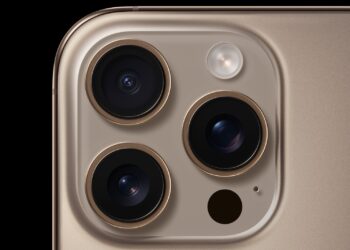
With the iPhone 16 Pro you can record 4K videos at 120 fps and create unique slow motion effects. Find out more here!
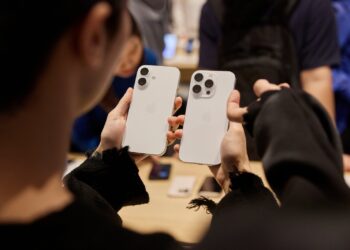
Problems with the iPhone 16? Learn how to quickly get your device working again by performing a force restart.

iPhone 16: Adjust the colors and tones of your photos with new photographic styles and achieve stunning results effortlessly.
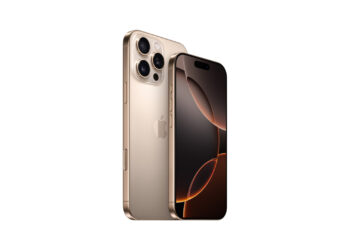
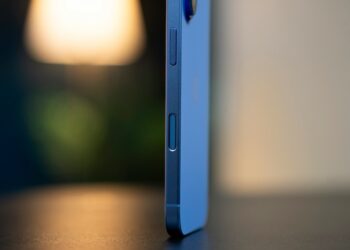
Do you want to deactivate the camera control button on your iPhone 16? Here you will learn step by step how to turn off this function.
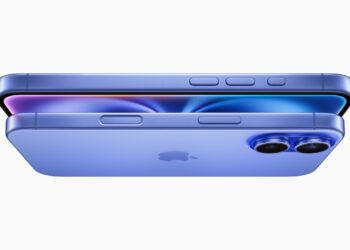
iPhone 16: Use the new camera control button as a magnifying glass. Discover how to enlarge text and small details - perfect for on the go!
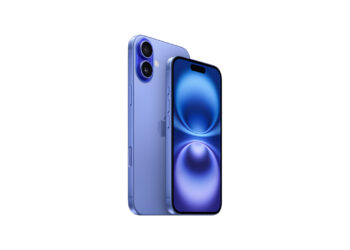
iPhone 16: Camera control button as a practical QR code scanner. Discover the easy setup and use the function in everyday life.
You are currently viewing a placeholder content from Facebook. To access the actual content, click the button below. Please note that doing so will share data with third-party providers.
More InformationYou are currently viewing a placeholder content from Instagram. To access the actual content, click the button below. Please note that doing so will share data with third-party providers.
More InformationYou are currently viewing a placeholder content from X. To access the actual content, click the button below. Please note that doing so will share data with third-party providers.
More Information