apple patient
  • Home
  • News
  • Rumors
  • Tips & Tricks
  • Reviews
  • Insights
No Result
View All Result
  • Home
  • News
  • Rumors
  • Tips & Tricks
  • Reviews
  • Insights
No Result
View All Result
apple patient
No Result
View All Result

iPhone 16 Pro touchscreen problems: causes and solutions

Milan Jovicic by Milan Jovicic
23. September 2024 - 04:29
in Apple News
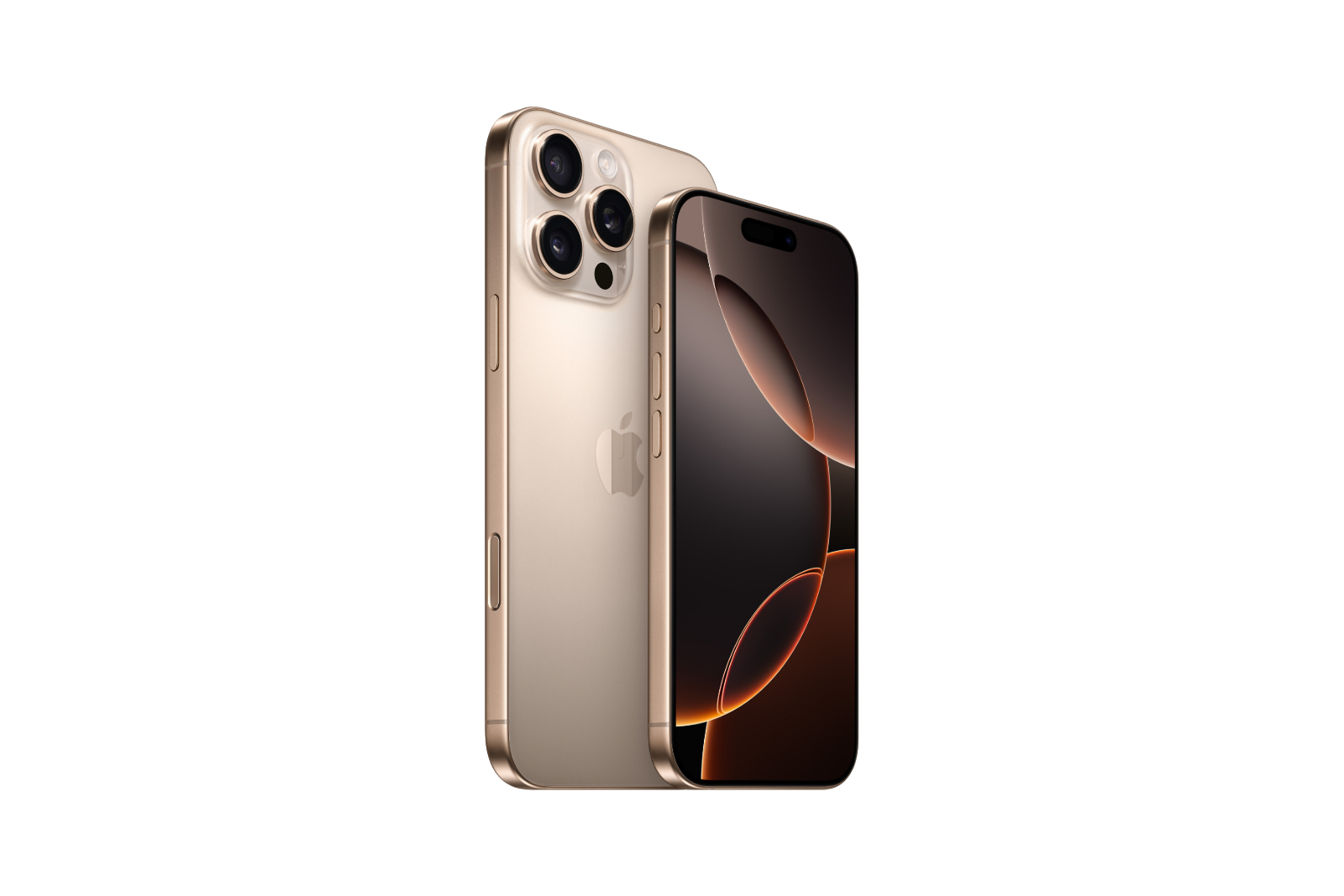
iPhone 16 Pro touchscreen problems

Image: Apple

WhatsAppFacebookEmailThreads

More and more users of the new iPhone 16 Pro are reporting problems with the touchscreen. Swipes and touches are sometimes ignored, which makes everyday use of the device more difficult. Below you will find out why this could be the case and what solutions there are.

Many iPhone 16 Pro owners noticethat the touchscreen sometimes does not respond properly. This mainly affects scrolling or typing on the virtual keyboard. At first glance, it seems as if the touchscreen is defective, but according to various reports, there are many indications of a software error. The cause could be the touch suppression algorithm in iOS. This function is intended to prevent the iPhone from reacting to unwanted touches, for example if you accidentally touch the edge of the display with the palm of your hand. On the iPhone 16 Pro, however, this algorithm appears to be oversensitive, so that it also blocks intended touches. The edges of the screen are particularly affected, where the finger or hand often rests unintentionally.

What is behind it?

The problem occurs when you use the iPhone without a case, as the narrow edges of the screen are easier to accidentally touch. Some users have noticed that the problem is particularly noticeable when the finger rests near the camera controls on the right side of the screen. However, these responsiveness issues also occur on other edges of the screen. Interestingly, the problem does not occur when the iPhone is in sleep mode or on the lock screen, so it seems that it is software related and not a hardware issue.

What can you do?

Until Apple fixes the problem with an update, there are a few simple things you can try:

  • Use a protective case: A case makes it more difficult to accidentally touch the edges of the display.
  • Use the screen consciously: Make sure to avoid the edge of the screen, especially if you do a lot of swiping or tapping.
  • Keep an eye on updates: Apple will likely release an update soon that fixes the problem. Keep your device updated to make sure you don't miss any improvements.

Interim solution for touchscreen problems on the iPhone 16 Pro

The iPhone 16 Pro's touchscreen issue is annoying, but it seems to be due to a software bug that could be fixed soon. Until then, you can improve the usability with a few small adjustments. Just stay tuned and look out for the next iOS update! (Image: Apple)

  • iFixit praises iPhone 16: The best repairability yet
  • iPhone 16 cases from Pitaka: Slim design, strong protection
Make Apfelpatient a preferred source One click – and you'll see us more often on Google
Was this article helpful?
YesNo
Tags: iPhoneiPhone 16
SendShareSendShare

Our Amazon Storefront

A handpicked selection of products for iPhone, Mac and more – sorted by topic and updated regularly.

Shop Now

This post contains affiliate links (including Amazon). We earn a small commission on qualifying purchases – at no extra cost to you. Learn more on our Partner Program page.

Milan Jovicic

Milan Jovicic

Milan founded Apfelpatient in 2016 and has written all of its content himself since 2018 – news, rumors, guides and product reviews. Apple devices here aren't test units for a fortnight but everyday tools: from the iPhone to the MacBook Pro, MacBook Air and iMac through to the Apple Vision Pro, at least one device from nearly every product category is in daily use, many of them replaced annually. Every menu path in a guide is verified on the device before it goes live.

Next Post
Jony Ive Open AI

Jony Ive confirms participation in AI hardware project with OpenAI

Symbolic image for Apple's bug bounty programme: a drawn shield with a checkmark beside a receding stack of incoming reports

Apple limits bug bounty reports due to AI flood

August 4, 2026
Copied content moving from an iPhone to a MacBook – clipboard sharing between iPhone and Windows is set to work the same way

iPhone and Windows: Apple plans shared clipboard

August 4, 2026
Symbolic image of Apple's leadership team: Apple Park from the air, illuminated at sunset.

Apple's leadership team is undergoing a transformation: Who's leaving and who's taking their place?

August 4, 2026

About APFELPATIENT

APFELPATIENT brings you the latest Apple news, product updates, guides, reviews and tips across the entire Apple ecosystem — from the iPhone to the Mac to the Apple Vision Pro. From the first rumors to confirmed news: researched responsibly.

Follow Apfelpatient

Facebook Instagram YouTube Threads Threads

Company

  • About Apfelpatient
  • Contact
  • Author Profiles

Community

  • Netiquette
  • Push Notifications
  • RSS feed

Legal

  • Legal Notice
  • Privacy Policy
  • Terms of Use
  • Cookie Settings
  • Affiliate Program

Resources

  • Sitemap

© 2026 Apfelpatient. All rights reserved.

No Result
View All Result
  • Home
  • News
  • Rumors
  • Tips & Tricks
  • Reviews
  • Insights

© 2026 Apfelpatient. All rights reserved. Page Directory

Change language to Deutsch