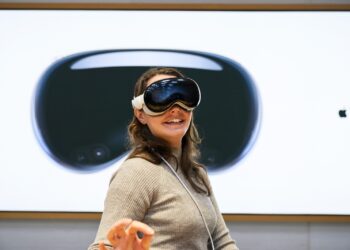
Apple Vision Pro: Siri functions in detail
Apple Vision Pro: Your smart companion with Siri. Discover how you can use the assistant for everyday tasks, information and more...

Apple Vision Pro is Apple's first spatial computer and has been on sale since the US launch on February 2, 2024 – with availability in Germany and other markets following in summer 2024. The headset combines high-resolution micro-OLED displays with more than 23 million pixels, an M chip for visionOS and a dedicated R1 chip for sensor processing. Vision Pro is operated without traditional controllers – entirely through eye movements, hand gestures, voice and Optic ID for authentication. The headset runs visionOS-native apps, compatible iPad and iPhone apps, the full Apple entertainment ecosystem including Apple TV with 3D and spatial content, immersive Environments, Mac Virtual Display, and spatial photos and spatial videos captured on iPhone.
In this tag collection on apfelpatient.de, every topic around Apple's spatial computer comes together: reviews and hands-on reports on the hardware, updates and new features in visionOS, app premieres such as flight simulators, cloud gaming solutions and NASA content, use cases in medicine, science and enterprise, comparisons with Meta Quest and other headsets, background on the development and strategy debate around the Vision Pro platform, and all rumors and reports about upcoming models such as a lighter or more affordable variant.
Anyone wanting to follow Apple's push into spatial computing in depth, use their own headset more effectively or understand the platform strategy behind visionOS stays close to the source right here.
Apple Vision Pro: Your smart companion with Siri. Discover how you can use the assistant for everyday tasks, information and more...

Apple Vision Pro with EyeSight: Learn how it works, informs your environment, and makes your AR experience safer and more immersive.
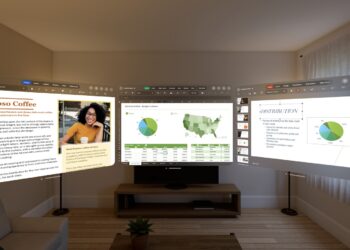
Apple Vision Pro gives you control over app permissions so you can protect your privacy and manage data access.
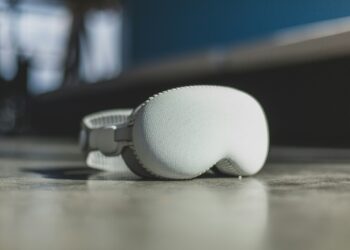
Tips & tricks for cleaning the Apple Vision Pro: How to keep your device in top condition and continue to offer you...
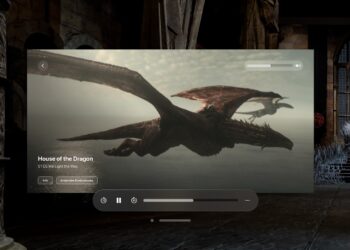
Apple Vision Pro offers a new film experience. Find the best 3D films and set up your device optimally. Experience the ...
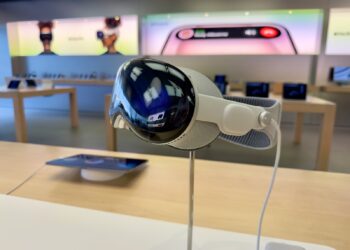
Discover cloud gaming on Apple Vision Pro: maximize your game collection and experience immersive gaming.
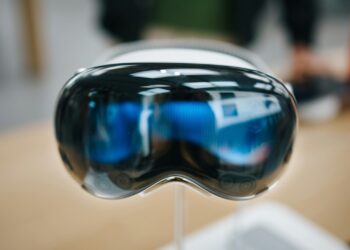
Apple Vision Pro and AirPods: The perfect combination for first-class sound. Find out how to optimally pair and adjust your devices.
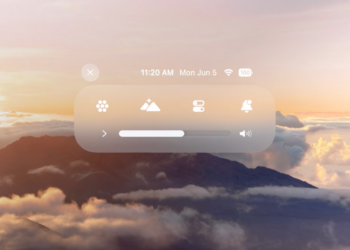
Use Control Center on Apple Vision Pro: Quickly access settings and features. Learn how to open and customize it.
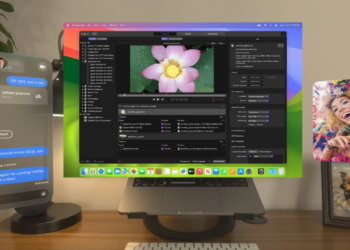
Apple Vision Pro: Connect your Mac screen and experience innovative augmented reality features. Work more efficiently & have more fun.
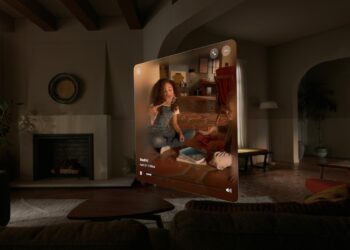
With Apple Vision Pro you can capture vivid 3D photos & videos. Relive unforgettable moments & share them easily...
You are currently viewing a placeholder content from Facebook. To access the actual content, click the button below. Please note that doing so will share data with third-party providers.
More InformationYou are currently viewing a placeholder content from Instagram. To access the actual content, click the button below. Please note that doing so will share data with third-party providers.
More InformationYou are currently viewing a placeholder content from X. To access the actual content, click the button below. Please note that doing so will share data with third-party providers.
More Information