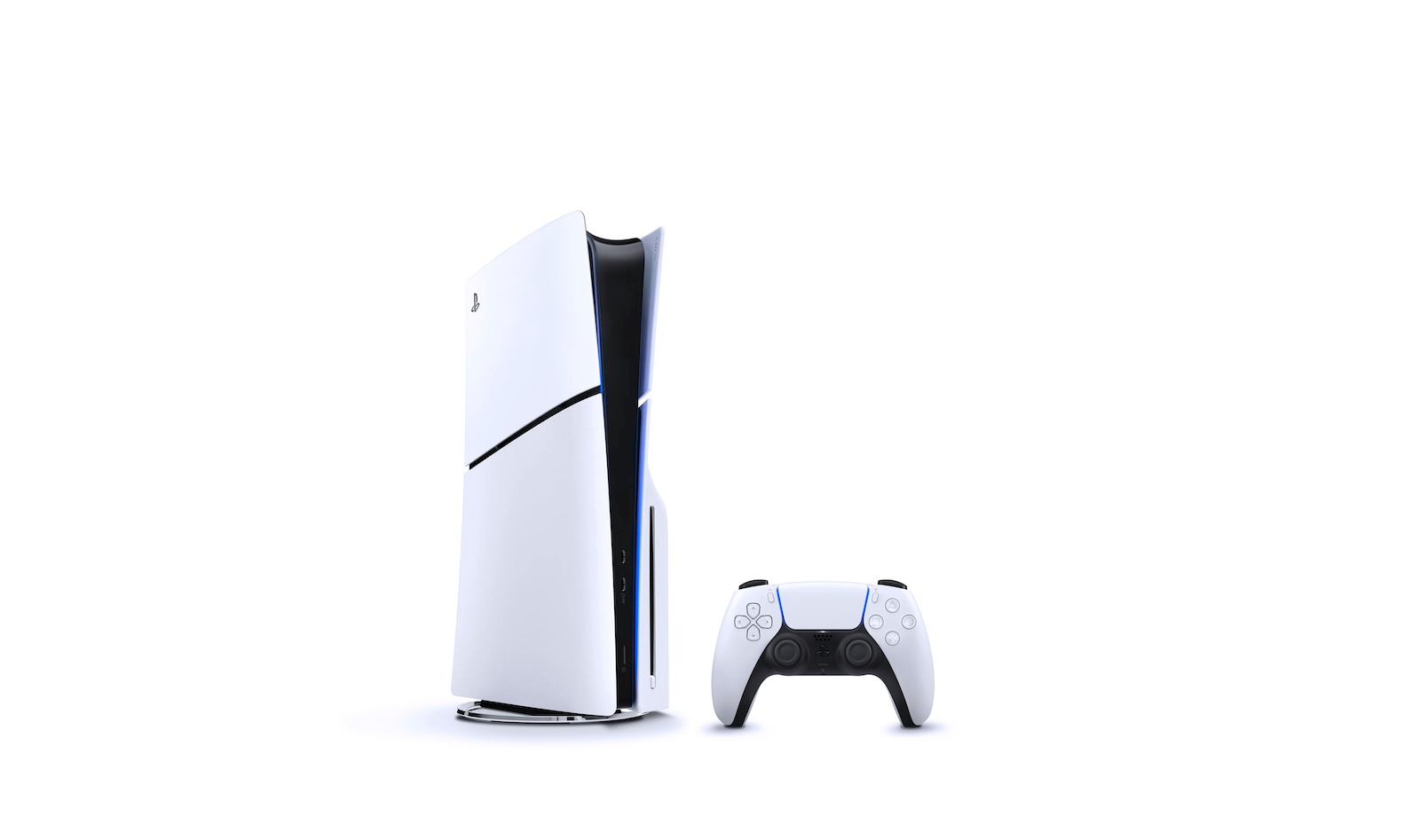
Apple Pay is now available on PlayStation 5. This means you can now pay for your PlayStation Store purchases directly with your iPhone or iPad. This new payment option complements existing options such as credit card, PayPal, or store credit.
With iOS 18 and iPadOS 18, Apple introduced a new system that enables Apple Pay via QR codes. This allows you to pay even on devices and platforms that don't have native Apple Pay support. This exact system is now also used on the PlayStation 5. Sony has integrated Apple Pay as an official payment method, thus expanding the flexibility of the checkout process. The whole thing works via a code that you see on the PS5 and scan with your mobile Apple device. You then complete the payment as usual using Face ID or Touch ID. This solution is particularly advantageous if you don't want to store payment details on your console.
How Apple Pay works on the PS5
If you want to buy something from the PlayStation Store on your PlayStation 5, go to the checkout as usual. There you will now also find the Apple Pay payment option. If you select this, a QR code will appear on the screen. You scan this code using the camera app on your iPhone or iPad. You don't need a special app or additional settings. After scanning, the Apple Pay payment window will automatically open on your device. There you can select the card you want to pay with. Then you confirm the payment using Face ID or Touch ID. The PS5 only receives transaction approval from Apple – no card data. This means that security remains entirely on your Apple device. Once the payment is complete, your purchase will be confirmed on the PS5 and you will immediately unlock the purchased content as usual.
What does this mean for you in practice
Apple Pay is particularly interesting if you regularly use Apple products anyway. You don't have to enter payment details manually or store them on the console. The only difference from other payment methods is the additional step involving the QR code. This adds a few seconds to the process, but offers more control and security. The system is based on the same principle that Apple has introduced for payments in third-party browsers like Chrome. It's flexible, data-efficient, and expands the possible uses of Apple Pay beyond the Apple ecosystem.
Apple Pay coming soon to PS4
Currently, the feature is available exclusively on the PlayStation 5 and the PS App. However, Sony has already announced that Apple Pay will be added to the PlayStation 4. A specific date has not yet been set, but it will likely be included in one of the next software updates.
Apple Pay on the PS5: A practical innovation
Apple Pay support on the PlayStation 5 is a welcome addition. It offers you a secure and convenient way to make purchases from the PlayStation Store directly with your Apple device. The process is simple, but requires an additional step via your smartphone or tablet. This new payment option makes shopping on the console a bit more flexible—especially for those who already use Apple Pay regularly. (Image: Shutterstock / Miguel Lagoa)
- Transfer Apple Pay to your new iPhone – it’s that easy!
- 10 Years of Apple Pay: How Apple Changed Payment
- Apple Arcade: All games and updates in June 2025