
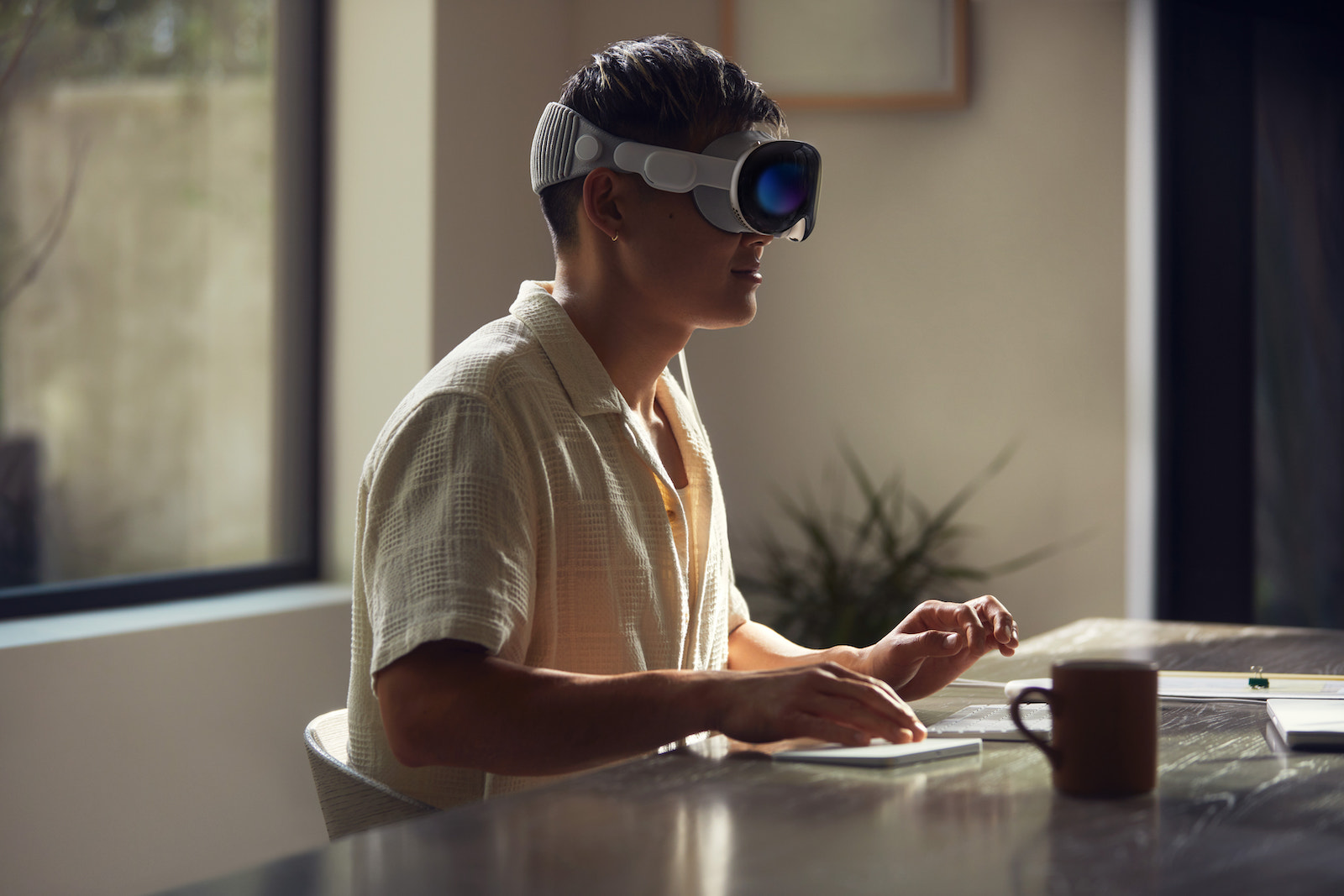
Apple recently launched the Vision Pro headset in the US market, revolutionizing the world of augmented reality (AR). This impressive device allows users to enter immersive 3D worlds and offers an unprecedented entertainment experience. But alongside the numerous benefits offered by the Vision Pro, Apple has also published guides and recommendations to minimize potential side effects such as visual disturbances and motion sickness. Below, we'll take a closer look at these support documents and find out how to get the most out of the Vision Pro without sacrificing comfort and safety.
Apple's Vision Pro has revolutionized the way we experience AR. With an impressive blend of advanced technology and innovative design, users can immerse themselves in a world that previously only existed in sci-fi movies. But while most people will be able to enjoy the Vision Pro without any problems, it's important to note that some users may encounter certain challenges.
About vision problems with Apple Vision Pro
However, Apple has not only focused on developing the product itself but also on providing helpful guides to overcome these challenges. Now let's take a closer look at how you can optimize your Vision Pro experience.
visual disturbances
For some users, wearing the Vision Pro may cause temporary visual disturbances, including blurred vision, double vision, dry or watery eyes, sensitivity to light, and eyestrain. To minimize these symptoms, it is crucial to ensure the headset is fitted correctly. Proper fit, which balances pressure on the nose and cheeks, and proper alignment are essential. In the beginning, the Vision Pro should only be used for short periods of time. It is recommended to take regular breaks every 20 to 30 minutes. Additionally, it is advisable to keep your head straight and not tilt it while enjoying immersive media.
eye distance
The Vision Pro is designed to accommodate a wide range of eye relief, however, those outside this range may experience vision problems, so it is important to ensure the headset is optimally adjusted to your individual needs.
Apple Vision Pro Safety Recommendations
Apple recommends that people with certain health conditions exercise caution when using the Vision Pro. The headset should be used in a controlled environment free of obstructions to avoid accidents. It is important not to use the device in extreme temperatures, rain, fog, or moisture of any kind. In addition, the environment should be well lit to prevent collisions with objects.
Battery
The Vision Pro battery should be stored in a well-ventilated area to avoid overheating.
motion sickness (also known as motion sickness)
Although most users can use the Vision Pro without any problems, it can cause motion sickness in some people. Symptoms include dizziness, nausea, decreased alertness, upset stomach and headaches. To minimize this, you should reduce head movements and adjust visual movements in the settings.
Apple Vision Pro Security: The Conclusion
Apple's Vision Pro delivers an exciting AR experience that pushes the boundaries of our imagination. With Apple's provided Instructions and recommendations allow users to minimize visual disturbances, increase comfort and ensure safety. By following these tips, you can enjoy the world of augmented reality to the fullest while protecting your health and well-being. Immerse yourself in the future with the Vision Pro and experience AR like never before! Are you looking for new accessories? Then take a look in our Amazon Storefront - there you will find numerous products from leading providers, also for HomeKit and Co.! (Image: Apple)
- Apple Vision Pro Cleaning: Tips for flawless AR experiences
- Apple Vision Pro: Sync data & focus on charging indicator
- Vision Pro: Apple gives tips on battery life, performance and more



