
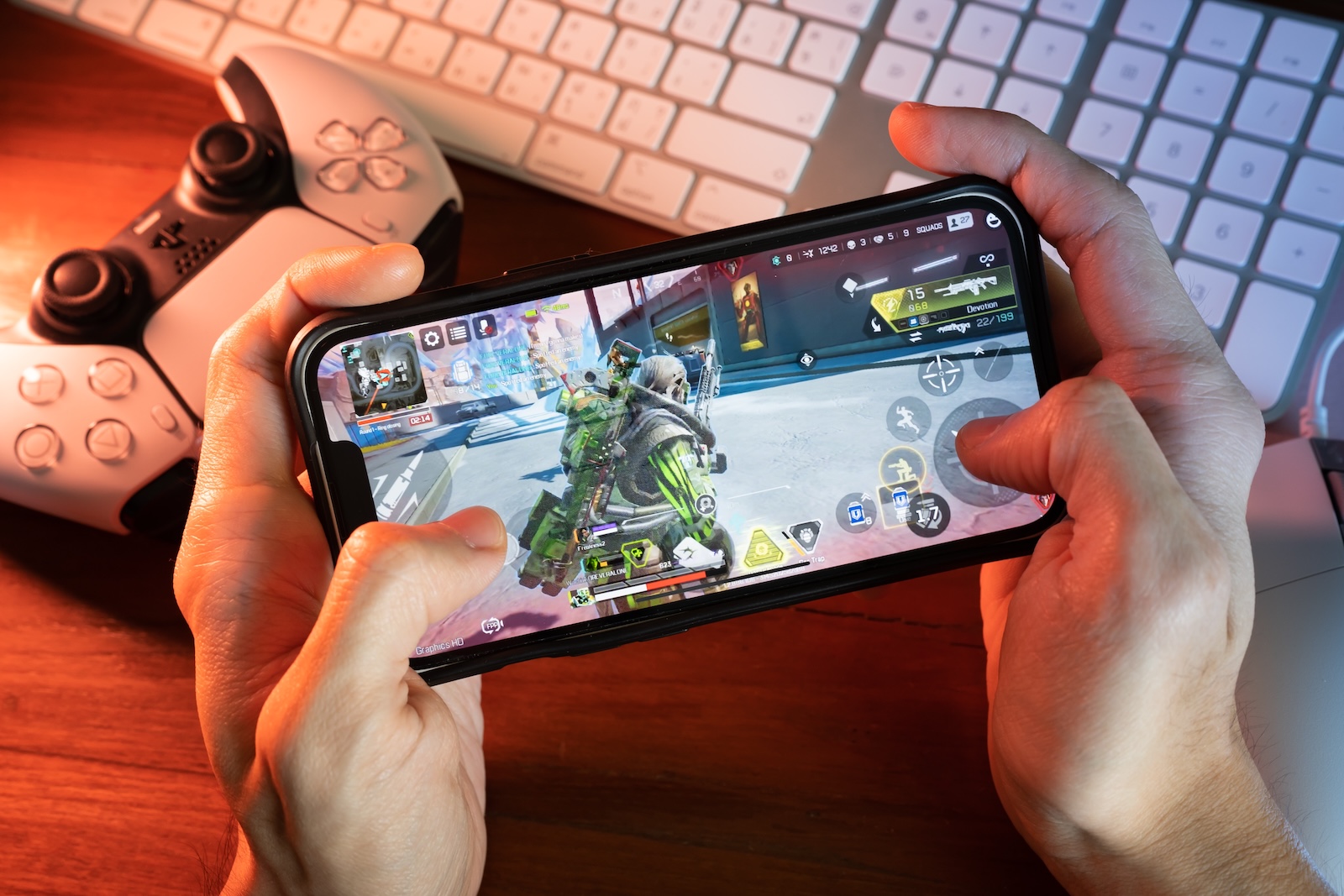
With iOS 26, Apple is bringing some pre-installed apps back into the spotlight, according to a new report by Mark Gurman (Bloomberg). One of them is specifically aimed at gamers. The planned games app is intended to replace the aging Game Center and create a new central location for all games on the iPhone. Even though Apple isn't eliminating the games category in the App Store, iOS 26 gives gaming a clearer position within the system.
Apple previously pre-installed Game Center as a separate app, but with iOS 10, it was moved to the Settings app in 2016 and gradually lost importance. Now, with iOS 26, Apple plans to introduce a new Games app that will bring more clarity and focus to games—both for Apple Arcade and App Store games. In his report, Gurman describes how this new app will be structured and what role it will play in the system.
Structure of the new game app
According to Gurman, the game app will contain five tabs:
- Home – Current gaming highlights, recommendations, and likely editorial content will appear here. It's the central entry point.
- Arcade – This section is reserved specifically for Apple Arcade. It displays all games from the subscription service.
- Play Together – This tab focuses on multiplayer games. Social features may also be integrated here.
- Library – Here you'll find all the games you have installed on your device or perhaps even stored in iCloud. You may also find saved games and progress.
- Search – Like in the App Store, you can search for specific games. It's likely that both Apple Arcade and regular App Store games will be searched.
The app as a Game Center successor
According to Gurman, the game app will replace Game Center. Features such as displaying achievements and comparing high scores with friends will be integrated into the new app. Unlike the old Game Center app, the new system is not only a social gaming tool, but also a kind of mini-store and management center for games.
More games in the App Store
Despite the new Games app, the well-known Games category will remain in the App Store. Users can therefore continue to access games via the App Store as usual. Gurman notes that he considers the new app "unconvincing" so far. Whether it will catch on will likely depend on how well it works in practice and whether Apple actively develops it further.
Another new app: Preview
In addition to the games app, Gurman says iOS 26 will also include a second new default app: Preview. This app is designed to make managing PDFs on the iPhone easier. Preview has been the standard for PDFs and images on the Mac for years, and now it's apparently coming to iOS devices as well.
iOS 26 puts games and PDFs in focus
iOS 26 brings a central tool for gamers back to the iPhone with the new Games app. It replaces Game Center and is intended to more closely integrate games from Apple Arcade and the App Store. Whether the app will be well-received by users remains to be seen. At the same time, the second new app, Preview, demonstrates that Apple is working on more system features beyond games. An official unveiling of the new features is expected at WWDC 2025. (Image: Shutterstock / Wachiwit)
- watchOS 26 could bring third-party apps to the Control Center
- iPhone 17 to feature 50-watt wireless charging



