
apple patient
  • Home
  • News
  • Rumors
  • Tips & Tricks
  • Reviews
  • Insights
No Result
View All Result
  • Home
  • News
  • Rumors
  • Tips & Tricks
  • Reviews
  • Insights
No Result
View All Result
apple patient
No Result
View All Result

macOS Catalina 10.15.6 fixes USB 2.0 problems

by Milan
July 17, 2020 - 00:02
in Apple News
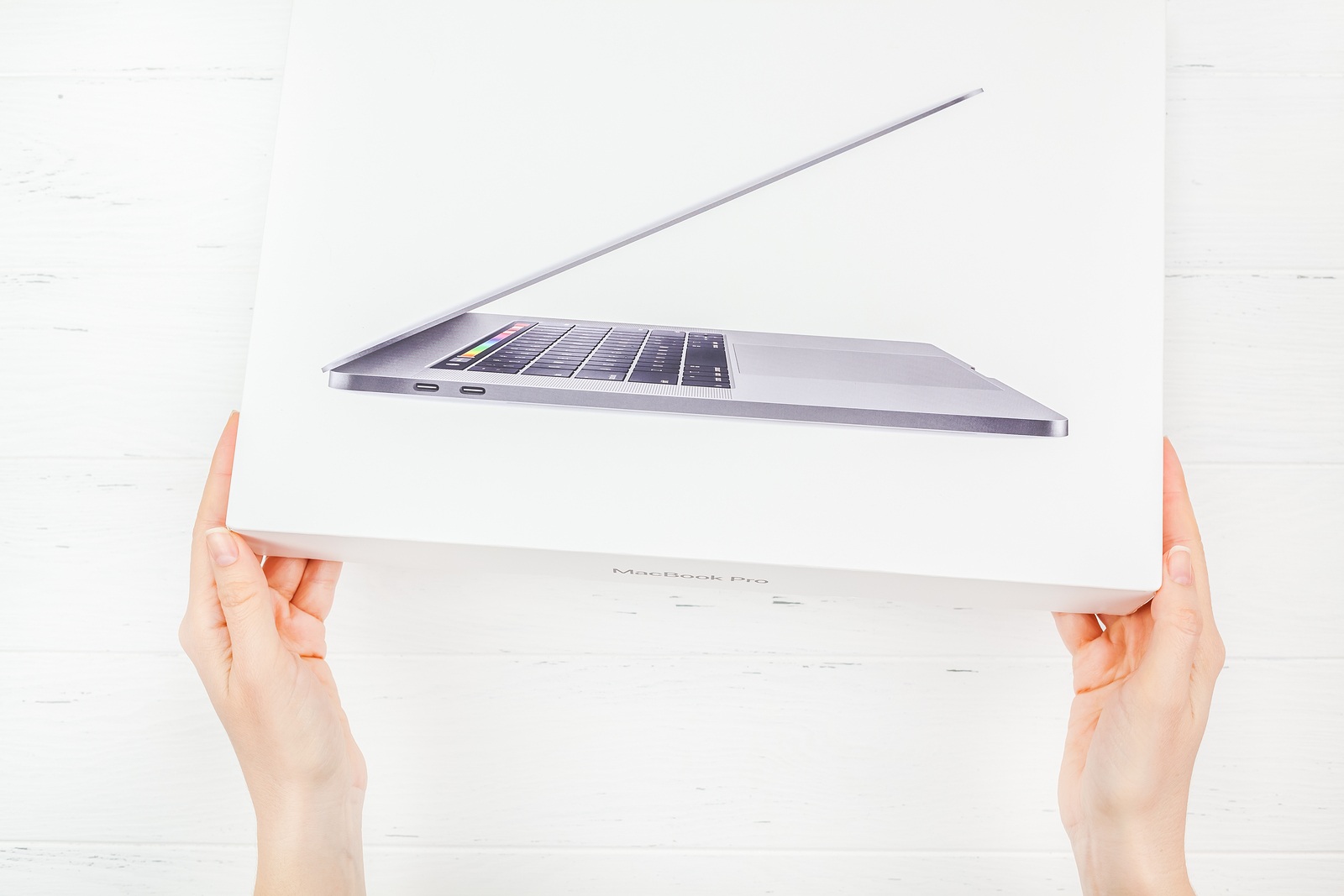
BERLIN, GERMANY - DECEMBER 09, 2018: Woman hands holding the box of the latest Apple Macbook Pro laptop computer against white wooden background. Unboxing top view concept with copy space

BERLIN, GERMANY - DECEMBER 09, 2018: Woman hands holding the box of the latest Apple Macbook Pro laptop computer against white wooden background. Unboxing top view concept with copy space

Apple recently released a series of updates for all users published, including macOS Catalina 10.15.6. It seems to have fixed a rather annoying problem on the MacBook Pro and MacBook Air 2020. 

In June, complaints from users documentedthat MacBook Pro and MacBook Air 2020 models had problems with USB 2.0 accessories. Strictly speaking, connected accessories were not recognized in most cases. All possible devices that use USB-A were affected, including mice, keyboards and more. A fault with the hubs could be ruled out, as all models were equally affected. In addition to lost connections, the bug also caused entire devices to freeze. System crashes were also observed. Those affected have taken various measures to fix the error. However, these were unsuccessful. 

macOS 11 Big Sur seems to have the same problem

Now, however, the problem seems to be history. Apple has explained in the update description of macOS Catalina 10.15.6 that the new macOS version "fixes an issue where certain USB mice and trackpads can lose their connection". Now report Users who encountered the problem have now reported that the error has actually been fixed. They were unable to detect any abnormalities when using accessories under macOS Catalina 10.15.6. However, the bug also appears to be present under macOS 11 Big Sur. However, since the new version is a beta, the annoyance should be limited. It can be assumed that Apple will also implement the correction in the third version of the new macOS preview. This is expected to be released next week. (Photo by dvoevnore / Bigstockphoto)
  • Public Beta: How to test macOS 11 Big Sur
Make Apfelpatient a preferred source One click – and you'll see us more often on Google
Was this article helpful?
YesNo
Tags: MacMacBook AirMacBook PromacOSmacOS 10.15.6

Our Amazon Storefront

A handpicked selection of products for iPhone, Mac and more – sorted by topic and updated regularly.

Shop Now

This post contains affiliate links (including Amazon). We earn a small commission on qualifying purchases – at no extra cost to you. Learn more on our Partner Program page.

Previous Post

iOS 14: Apple shows new emojis for iPhone and Co.

Next Post

iPhone: These are the top features in iOS 14

Next Post
iOS 14

iPhone: These are the top features in iOS 14

Apple TV The Morning Show Season 5

Apple TV: The Morning Show ends with season 5

July 23, 2026
Apple Maps iOS 27

Apple Maps will be permanently installed in Ford electric cars by 2027

July 23, 2026
Google EU

EU imposes €890 million fine on Google

July 23, 2026

About APFELPATIENT

APFELPATIENT brings you the latest Apple news, product updates, guides, reviews and tips across the entire Apple ecosystem — from the iPhone to the Mac to the Apple Vision Pro. From the first rumors to confirmed news: researched responsibly.

Follow Apfelpatient

Facebook Instagram YouTube threads threads

Company

  • About Apfelpatient
  • Contact
  • Author Profiles

Community

  • Netiquette
  • Push Notifications
  • RSS feed

Legal

  • Legal Notice
  • Privacy Policy
  • Terms of Use
  • Cookie Settings
  • Affiliate Program

Resources

  • Sitemap

© 2026 Apfelpatient. All rights reserved.

No Result
View All Result
  • Home
  • News
  • Rumors
  • Tips & Tricks
  • Reviews
  • Insights

© 2026 Apfelpatient. All rights reserved. Page Directory

Change language to Deutsch


