
apple patient
  • Home
  • News
  • Rumors
  • Tips & Tricks
  • Reviews
  • Insights
No Result
View All Result
  • Home
  • News
  • Rumors
  • Tips & Tricks
  • Reviews
  • Insights
No Result
View All Result
apple patient
No Result
View All Result

M1 Mac mini: Apple investigates problems with "pink squares"

by Milan
21. February 2021 - 20:35
in Apple News
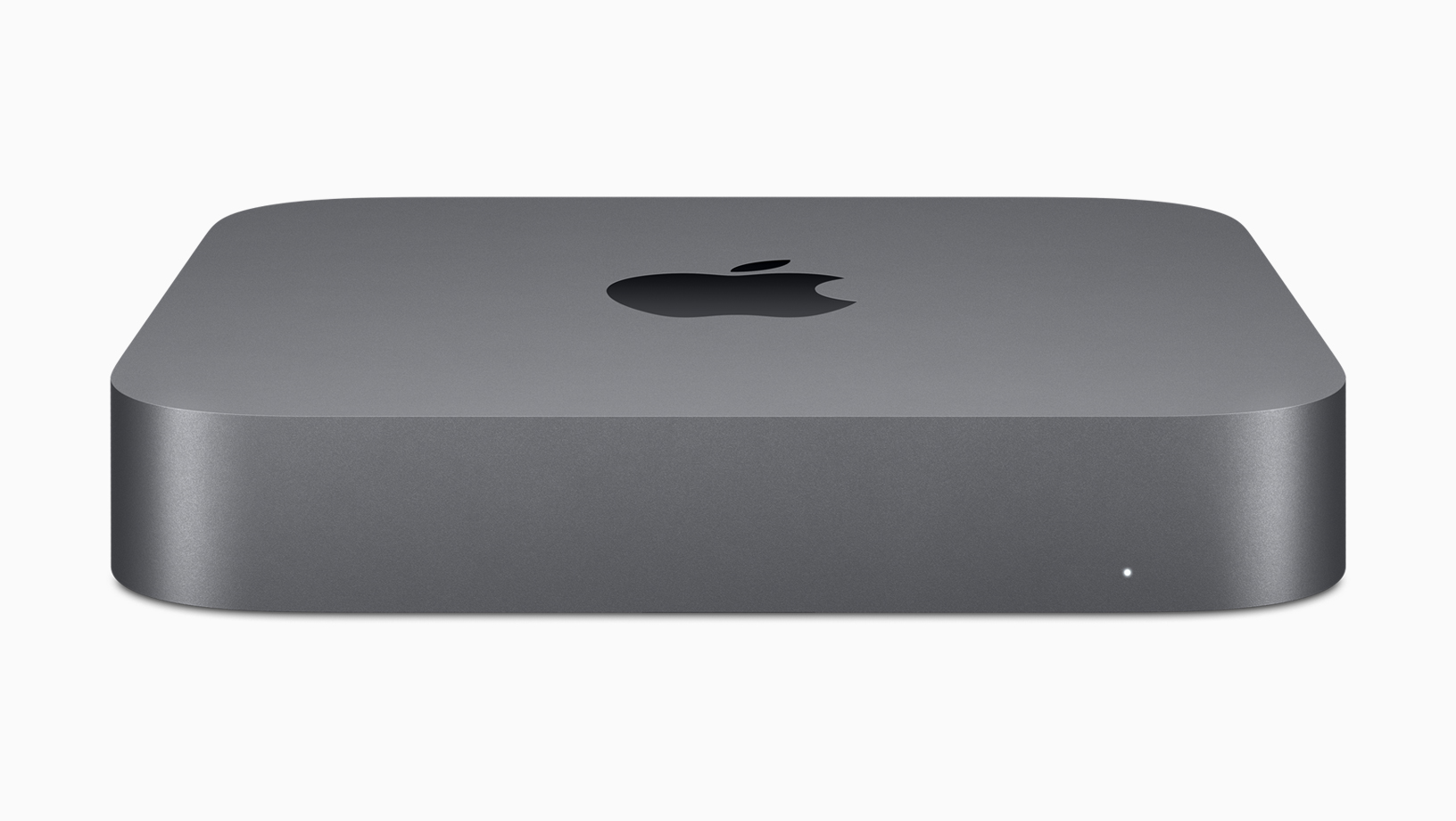
M1 Mac mini

Image: Apple

Some M1 Mac mini users are reporting an issue that causes "pink squares or pixels" on screens. Now, reports say Apple is investigating the issue.

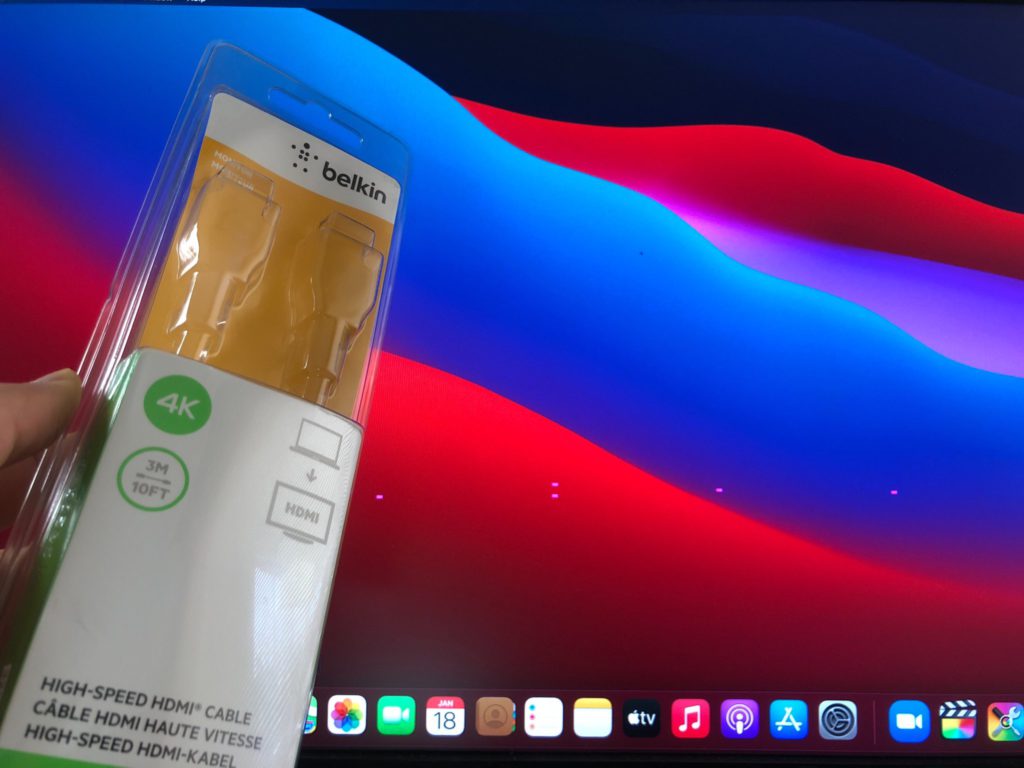
In an internal memo shared with MacRumors receive , Apple is informing authorized service partners that it is aware of and investigating an issue that may cause "pink squares or pixels" to appear on displays connected to an M1 Mac mini. This issue has been reported by users in Apple Support Communities, Reddit, and other forums since the M1 Mac mini was launched in November, but the exact cause seems unclear. Based on comments from affected users, it appears that the issue occurs more frequently when displays are connected via HDMI. Apple has not given a specific timeframe for a patch. The memo is said to have been sent on February 19, a week after the release of macOS Big Sur 11.2.1. 
M1 Mac mini display problems
Picture: FatihVidyograf

M1 Mac mini display problems: How to fix the error

The company may be able to fix the problem in macOS Big Sur 11.3. In the meantime, Apple itself has provided instructions on how to fix the problem:

  • Put your Mac mini to sleep
  • Wait two minutes and wake up the Mac mini
  • Unplug the display cable from the Mac mini and plug it back in
  • Adjust the screen resolution in System Preferences > Displays
  • If the problem occurs again after restarting your Mac mini, repeat the steps above.

Over the past few months, various issues with external displays on M1 Macs have been documented, from USB-C connection issues to some resolutions not being available when using an ultrawide or super ultrawide display. (Image: Apple)


  • M1 Macs targeted by malware: Find sparks discussion
Make Apfelpatient a preferred source One click – and you'll see us more often on Google
Was this article helpful?
YesNo
Tags: Mac

Our Amazon Storefront

A handpicked selection of products for iPhone, Mac and more – sorted by topic and updated regularly.

Shop Now

This post contains affiliate links (including Amazon). We earn a small commission on qualifying purchases – at no extra cost to you. Learn more on our Partner Program page.

Previous Post

WhatsApp privacy changes: This is what happens to accounts that do not agree

Next Post

New monitor in the works? Apple removes 27″ LG UltraFine from the online store

Next Post
27" LG UltraFine / New Apple Monitor

New monitor in the works? Apple removes 27" LG UltraFine from the online store

Apple TV The Morning Show Season 5

Apple TV: The Morning Show ends with season 5

July 23, 2026
Apple Maps iOS 27

Apple Maps will be permanently installed in Ford electric cars by 2027

July 23, 2026
Google EU

EU imposes €890 million fine on Google

July 23, 2026

About APFELPATIENT

APFELPATIENT brings you the latest Apple news, product updates, guides, reviews and tips across the entire Apple ecosystem — from the iPhone to the Mac to the Apple Vision Pro. From the first rumors to confirmed news: researched responsibly.

Follow Apfelpatient

Facebook Instagram YouTube threads threads

Company

  • About Apfelpatient
  • Contact
  • Author Profiles

Community

  • Netiquette
  • Push Notifications
  • RSS feed

Legal

  • Legal Notice
  • Privacy Policy
  • Terms of Use
  • Cookie Settings
  • Affiliate Program

Resources

  • Sitemap

© 2026 Apfelpatient. All rights reserved.

No Result
View All Result
  • Home
  • News
  • Rumors
  • Tips & Tricks
  • Reviews
  • Insights

© 2026 Apfelpatient. All rights reserved. Page Directory

Change language to Deutsch

