apple patient
  • Home
  • News
  • Rumors
  • Tips & Tricks
  • Reviews
  • Insights
No Result
View All Result
  • Home
  • News
  • Rumors
  • Tips & Tricks
  • Reviews
  • Insights
No Result
View All Result
apple patient
No Result
View All Result

iPad mini 6 teardown: iFixit explains “Jelly Scroll” problem

Milan Jovicic by Milan Jovicic
29. September 2021 - 20:15
in Apple News
iPad mini 6

Image: Apple

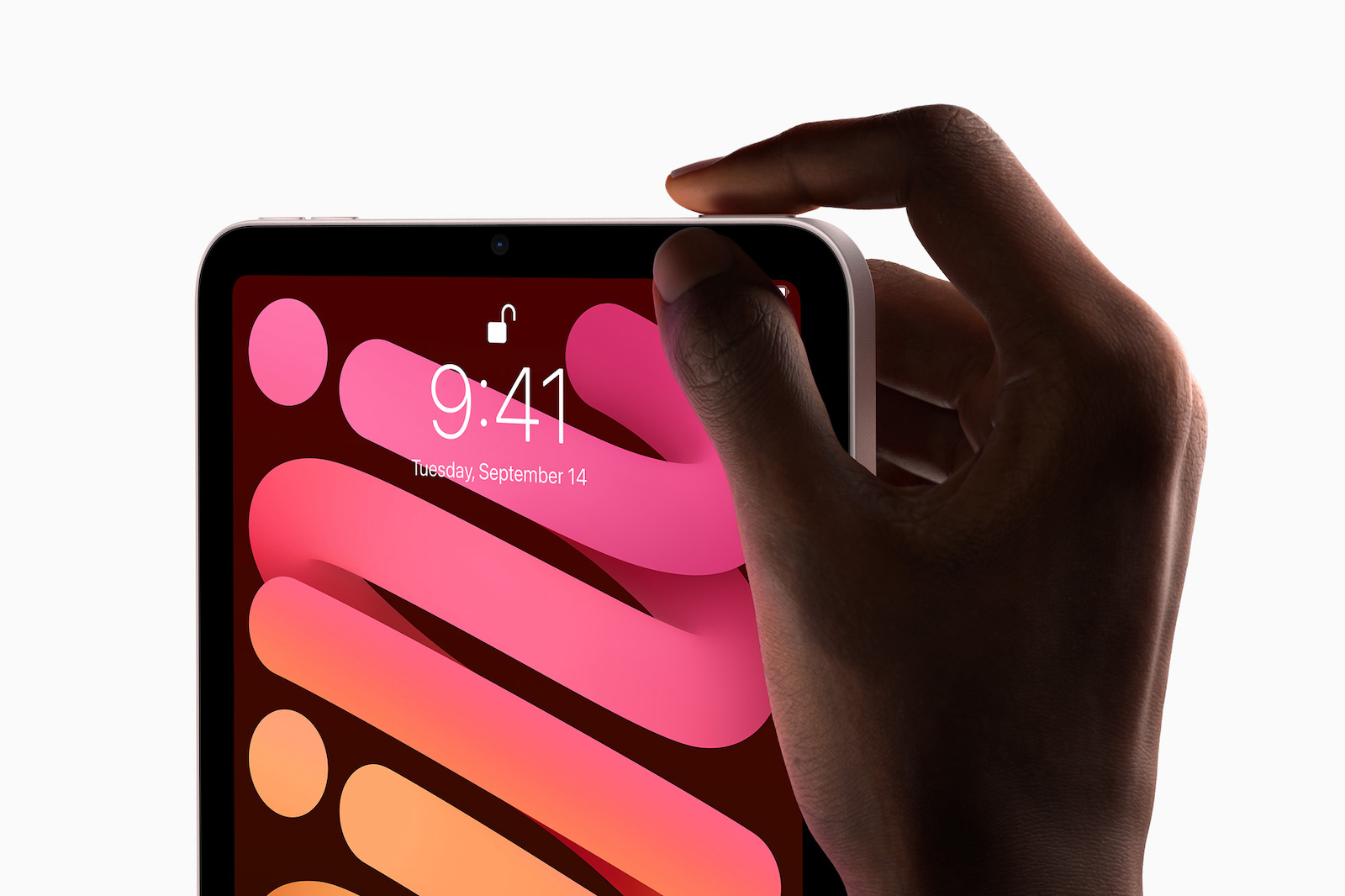
The iFixit team has now taken a look at the new iPad mini 6 and explained the “Jelly Scroll” problem in more detail in a teardown video.

Some owners of the new iPad mini 6 have noticed that text or images on one side of the screen are tilted downward when scrolling through content. This affects all LCD screens, but is particularly pronounced on the iPad mini. According to iFixit, jelly scrolling is not usually as noticeable as on Apple's new 8.3-inch tablet and is caused by the way the screen refreshes. The screen refreshes in a wave-like pattern from side to side rather than all at once. On the iPad mini, iFixit suspects that the direction in which the screen is scanned is related to the placement of the control board that drives the iPad mini's display. For this reason, the jelly scroll issue is said to occur in portrait mode, but not on the iPad Air 4.

If you scroll parallel to the direction the display is updating, the display still won't update at the same time, but the effect of the update is less noticeable because the text isn't split. So you probably won't notice it on other screens. Jelly scrolling is usually obscured because the screen is updated (or scanned) parallel to the direction the scrolling motion is taking place. So a computer monitor will update vertically in landscape orientation, and a smartphone will update in portrait orientation. Coincidentally, the iPad mini's display will update horizontally if you hold it in the vertical orientation, which is how you normally hold the iPad for scrolling.

iPad mini 6: Apple has once again used too much glue

According to iFixit, it is also possible that Apple used a cheaper display panel for the iPad mini 6, which could have caused the refresh scan to be more pronounced than expected. Apple itself has already explainedthat the jelly scrolling problem is a normal behavior of an LCD display. This probably means that the company does not plan to offer a replacement device to users who have this problem. So if it bothers you, you should return the device within the return period and maybe get an iPad Air 4 instead. There were no other surprises with the iPad mini 6. If you want to see the teardown, you can find the video on YouTubeOverall, iFixit gives the iPad mini a grade of three due to too much adhesive and other repair limitations. (Image: Apple)


  • New iPad Pro: Will Apple reposition the camera and logo?
Make Apfelpatient a preferred source One click – and you'll see us more often on Google
Was this article helpful?
YesNo
Tags: iPadiPad mini

Our Amazon Storefront

A handpicked selection of products for iPhone, Mac and more – sorted by topic and updated regularly.

Shop Now

This post contains affiliate links (including Amazon). We earn a small commission on qualifying purchases – at no extra cost to you. Learn more on our Partner Program page.

Milan Jovicic

Milan Jovicic

Milan founded Apfelpatient in 2016 and has written all of its content himself since 2018 – news, rumors, guides and product reviews. Apple devices here aren't test units for a fortnight but everyday tools: from the iPhone to the MacBook Pro, MacBook Air and iMac through to the Apple Vision Pro, at least one device from nearly every product category is in daily use, many of them replaced annually. Every menu path in a guide is verified on the device before it goes live.

Next Post
iOS 15: Bug can lead to loss of saved images

iOS 15: Bug can lead to loss of saved images

iPhone Air iPhone 17 Pro

iPhone Air or iPhone 17 Pro? All the differences compared

August 2, 2026
MacBook Air M5: 13 vs. 15 inch – Which size is worth it?

MacBook Air M5: 13 vs. 15 inch – Which size is worth it?

August 1, 2026
MacBook Pro M5: 14 vs. 16 inch – Which size and which chip are worth it?

MacBook Pro M5: 14 vs. 16 inch – Which is worth it?

August 1, 2026

About APFELPATIENT

APFELPATIENT brings you the latest Apple news, product updates, guides, reviews and tips across the entire Apple ecosystem — from the iPhone to the Mac to the Apple Vision Pro. From the first rumors to confirmed news: researched responsibly.

Follow Apfelpatient

Facebook Instagram YouTube threads threads

Company

  • About Apfelpatient
  • Contact
  • Author Profiles

Community

  • Netiquette
  • Push Notifications
  • RSS feed

Legal

  • Legal Notice
  • Privacy Policy
  • Terms of Use
  • Cookie Settings
  • Affiliate Program

Resources

  • Sitemap

© 2026 Apfelpatient. All rights reserved.

No Result
View All Result
  • Home
  • News
  • Rumors
  • Tips & Tricks
  • Reviews
  • Insights

© 2026 Apfelpatient. All rights reserved. Page Directory

Change language to Deutsch