
apple patient
  • Home
  • News
  • Rumors
  • Tips & Tricks
  • Reviews
  • Insights
No Result
View All Result
  • Home
  • News
  • Rumors
  • Tips & Tricks
  • Reviews
  • Insights
No Result
View All Result
apple patient
No Result
View All Result

iOS 15.2.1 fixes HomeKit vulnerability

by Milan
12. January 2022 - 20:03
in Apple News
iOS 15.2.1 fixes HomeKit vulnerability

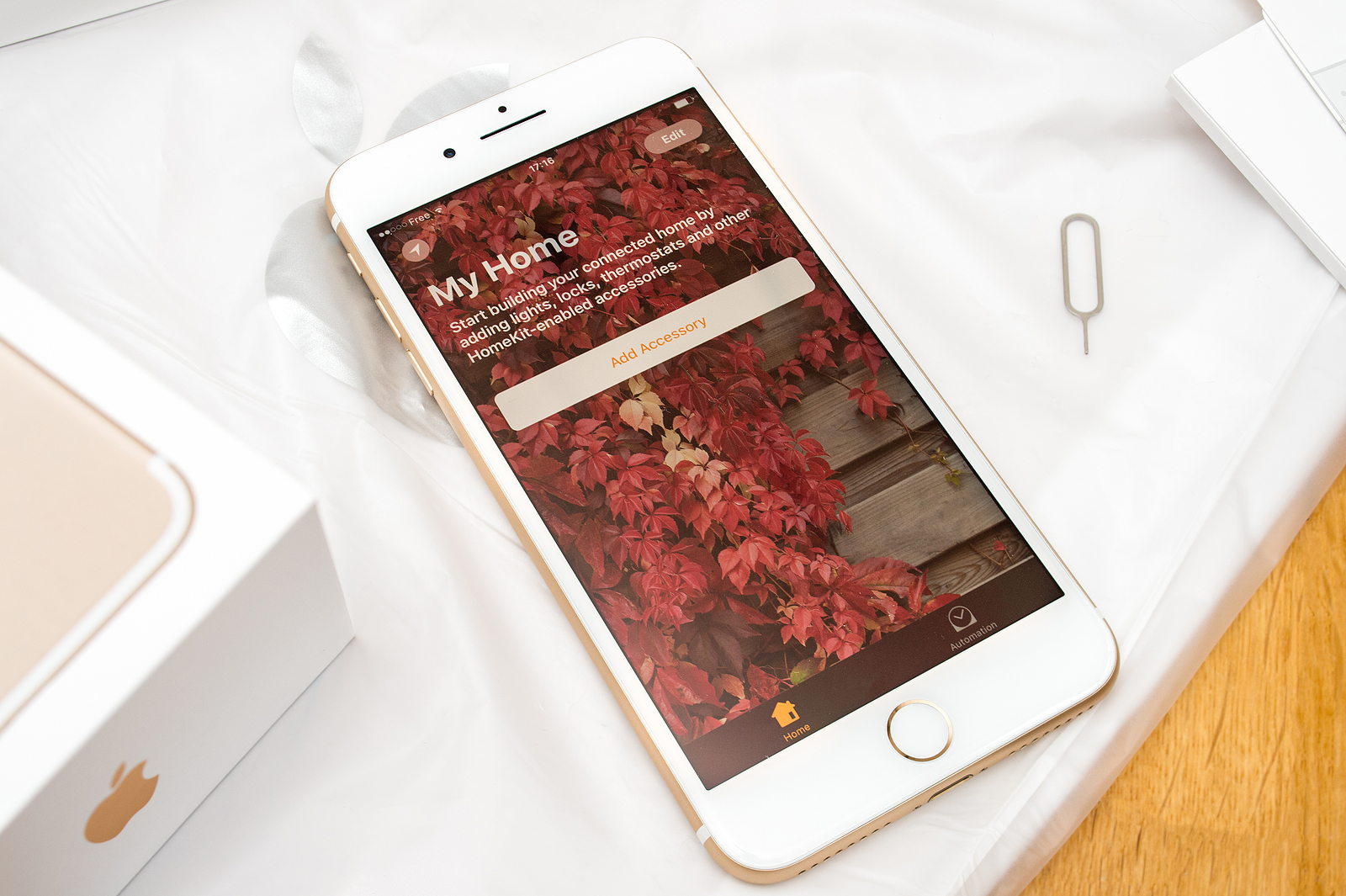
PARIS FRANCE - SEP 16 2016: New Apple iPhone 7 Plus unboxing in the first day of sales - Welcome to HomeKit connected home app. New Apple iPhone acclaims to become the most popular smart phone in the world in 2016

Apple has now released iOS 15.2.1 and iPadOS 15.2.1 for all users worldwide, fixing bugs in CarPlay and Messages. A vulnerability in HomeKit has also been closed.

In addition to important bug fixes, the update also released a particularly important security update that fixes a HomeKit vulnerability that could cause your iPhone or iPad to crash repeatedly. This bug was first reported by security researcher Trevor Spiniolas, who explained in a blog post that the problems are caused by changing the name of a HomeKit device to something around 500,000 characters long. The result basically depends on whether or not users have HomeKit devices enabled in Control Center. In an update posted today on the Apple Support website published Apple states that it has patched this vulnerability with the release of iOS 15.2.1 and iPadOS 15.2.1.

iOS 15.2.1 fixes two bugs and closes a vulnerability

Apple says this bug meant that processing a maliciously crafted HomeKit accessory name could cause a denial of service. But Apple has now fixed the problem by addressing a "resource exhaustion issue" with improved input validation. According to Apple, this is the only security fix in iOS 15.2.1 and iPadOS 15.2.1. However, the updates also include two important bug fixes:

  • Messages may not load photos sent via an iCloud link.
  • Third-party CarPlay apps may not respond to inputs.

You can update your iPhone to iOS 15.2.1 by going to the Settings app, then General and then Software Update. (Photo by hadrian / Bigstockphoto)


  • iOS 15: How to use the native iPhone 2FA code generator
Make Apfelpatient a preferred source One click – and you'll see us more often on Google
Was this article helpful?
YesNo
Tags: Apple ServicesiOSiOS 15.2.1iPadOSiPadOS 15.2.1

Our Amazon Storefront

A handpicked selection of products for iPhone, Mac and more – sorted by topic and updated regularly.

Shop Now

This post contains affiliate links (including Amazon). We earn a small commission on qualifying purchases – at no extra cost to you. Learn more on our Partner Program page.

Previous Post

Bug fixes: Apple releases iOS 15.2.1

Next Post

iPhone 14 Pro: Hole and pill design to replace notch

Next Post
iPhone 14 Pro

iPhone 14 Pro: Hole and pill design to replace notch

Apple TV The Morning Show Season 5

Apple TV: The Morning Show ends with season 5

July 23, 2026
Apple Maps iOS 27

Apple Maps will be permanently installed in Ford electric cars by 2027

July 23, 2026
Google EU

EU imposes €890 million fine on Google

July 23, 2026

About APFELPATIENT

APFELPATIENT brings you the latest Apple news, product updates, guides, reviews and tips across the entire Apple ecosystem — from the iPhone to the Mac to the Apple Vision Pro. From the first rumors to confirmed news: researched responsibly.

Follow Apfelpatient

Facebook Instagram YouTube threads threads

Company

  • About Apfelpatient
  • Contact
  • Author Profiles

Community

  • Netiquette
  • Push Notifications
  • RSS feed

Legal

  • Legal Notice
  • Privacy Policy
  • Terms of Use
  • Cookie Settings
  • Affiliate Program

Resources

  • Sitemap

© 2026 Apfelpatient. All rights reserved.

No Result
View All Result
  • Home
  • News
  • Rumors
  • Tips & Tricks
  • Reviews
  • Insights

© 2026 Apfelpatient. All rights reserved. Page Directory

Change language to Deutsch

