
apple patient
  • Home
  • News
  • Rumors
  • Tips & Tricks
  • Reviews
  • Insights
No Result
View All Result
  • Home
  • News
  • Rumors
  • Tips & Tricks
  • Reviews
  • Insights
No Result
View All Result
apple patient
No Result
View All Result

iOS 14.5.1: Apple Music app crashes repeatedly with CarPlay

by Milan
18. May 2021 - 21:19
in Apple News
Apple Music CarPlay

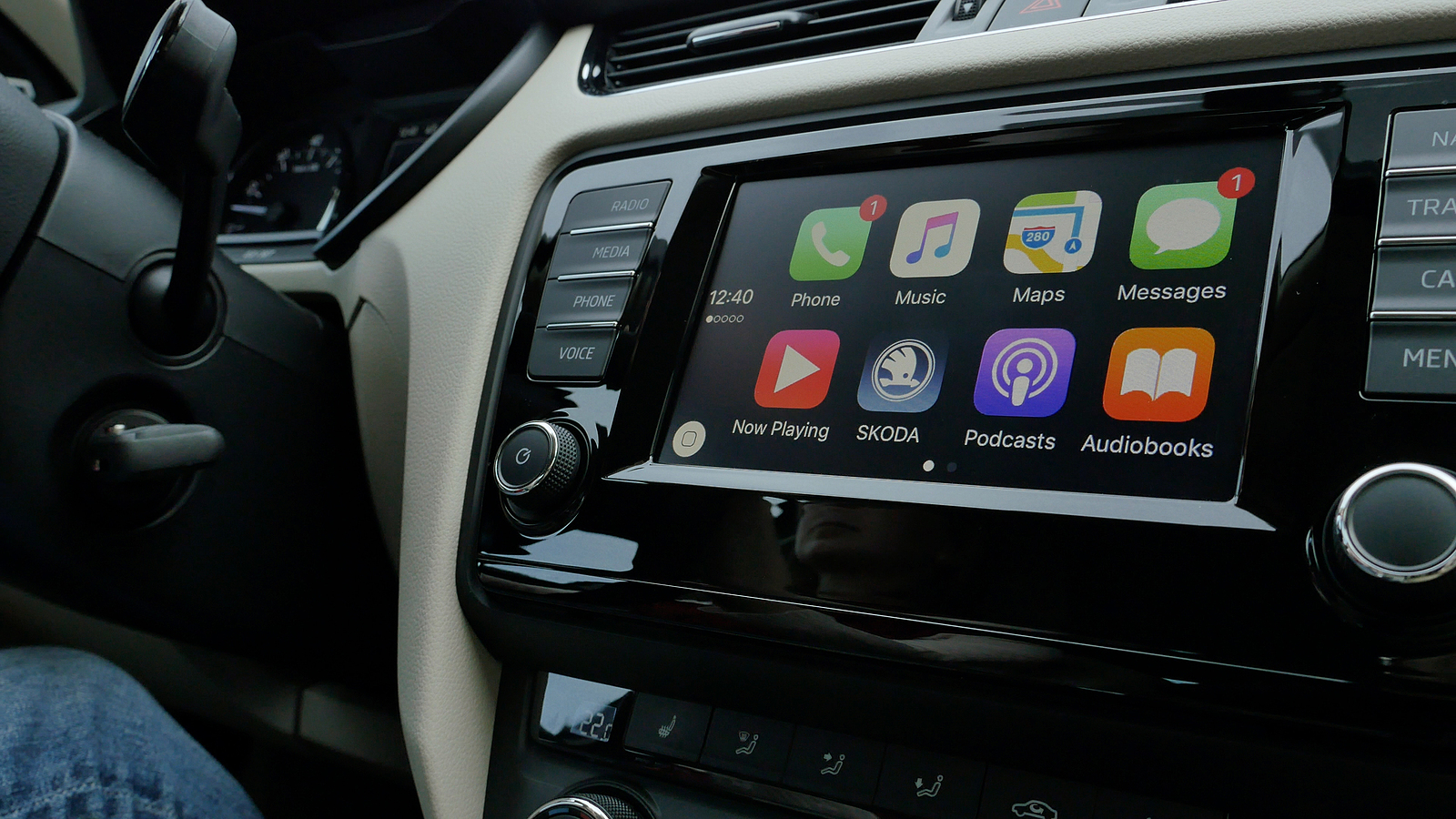
Paris, France- Oct, 2019L: View of car dashboard with all icons of Apple Computers CarPlay - Phone, music, maps, messages, youtube, skoda podcasts and audiobooks

A widespread issue appears to be affecting CarPlay users running iOS 14.5.1. According to a report from Autoevolution, as well as several reports on Reddit and other forums, the Music app on CarPlay is crashing repeatedly on launch for some users.

Apple released iOS 14.5.1 two weeks ago to fix a bug related to app tracking transparency. The crash of CarPlay Apple Music only occurs under iOS 14.5.1. But the bug was not noticeable at the time of release. Instead, the first reports were documented about 24 hours ago. reported Autoevolution:

Most likely, it's an Apple Music issue that's causing the app to crash. Apple is expected to release a server-side fix that will get things back to normal sooner rather than later. Strangely, the whole thing seems to be happening exclusively on devices running iOS 14.5.1, the most recent version of Apple's iPhone operating system.

Apple Music CarPlay: Problem can be temporarily solved

So writes a Reddit user:

The Apple Music app has stopped working on Carplay. When I click on it, it opens, then immediately closes and goes back to the home screen. No idea what changed. I've made sure everything on my iPhone is updated, restarted the phone, and turned the car radio on and off. Nothing helped.

Overall, it seems as if Apple is making changes on the server side that are disrupting the Apple Music CarPlay feature and causing the crashes. We can also confirm the problem internally within the team. On Reddit, some users explain that the problem can be temporarily solved by disabling WiFi and cellular data. However, as soon as you re-enable either connection, the music app crashes again. (Photo by hadrian / Bigstockphoto)


  • Apple Music Lossless introduced: With Spatial Audio & more
Make Apfelpatient a preferred source One click – and you'll see us more often on Google
Was this article helpful?
YesNo
Tags: Apple ServicesApple MusiciOSiOS 14.5.1

Our Amazon Storefront

A handpicked selection of products for iPhone, Mac and more – sorted by topic and updated regularly.

Shop Now

This post contains affiliate links (including Amazon). We earn a small commission on qualifying purchases – at no extra cost to you. Learn more on our Partner Program page.

Previous Post

Accessibility: Spotify announces podcast transcriptions

Next Post

Apple Music Lossless: Which devices are supported?

Next Post
Apple Music Lossless: Which devices are supported?

Apple Music Lossless: Which devices are supported?

Siri AI Apple Apple Intelligence Siri

macOS 27: Hidden Siri interface with 13 voices discovered

July 24, 2026
Apple iPhone Ultra

iPhone Ultra: 25 percent market share expected for foldables

July 24, 2026
Apple TV The Morning Show Season 5

Apple TV: The Morning Show ends with season 5

July 23, 2026

About APFELPATIENT

APFELPATIENT brings you the latest Apple news, product updates, guides, reviews and tips across the entire Apple ecosystem — from the iPhone to the Mac to the Apple Vision Pro. From the first rumors to confirmed news: researched responsibly.

Follow Apfelpatient

Facebook Instagram YouTube threads threads

Company

  • About Apfelpatient
  • Contact
  • Author Profiles

Community

  • Netiquette
  • Push Notifications
  • RSS feed

Legal

  • Legal Notice
  • Privacy Policy
  • Terms of Use
  • Cookie Settings
  • Affiliate Program

Resources

  • Sitemap

© 2026 Apfelpatient. All rights reserved.

No Result
View All Result
  • Home
  • News
  • Rumors
  • Tips & Tricks
  • Reviews
  • Insights

© 2026 Apfelpatient. All rights reserved. Page Directory

Change language to Deutsch

