
apple patient
  • Home
  • News
  • Rumors
  • Tips & Tricks
  • Reviews
  • Insights
No Result
View All Result
  • Home
  • News
  • Rumors
  • Tips & Tricks
  • Reviews
  • Insights
No Result
View All Result
apple patient
No Result
View All Result

Interactive widgets on the iPhone: What iOS 17 offers

by Milan
6. June 2023 - 17:21
in Apple News
iOS 17 iPadOS 17 Public Beta

Image: Apple

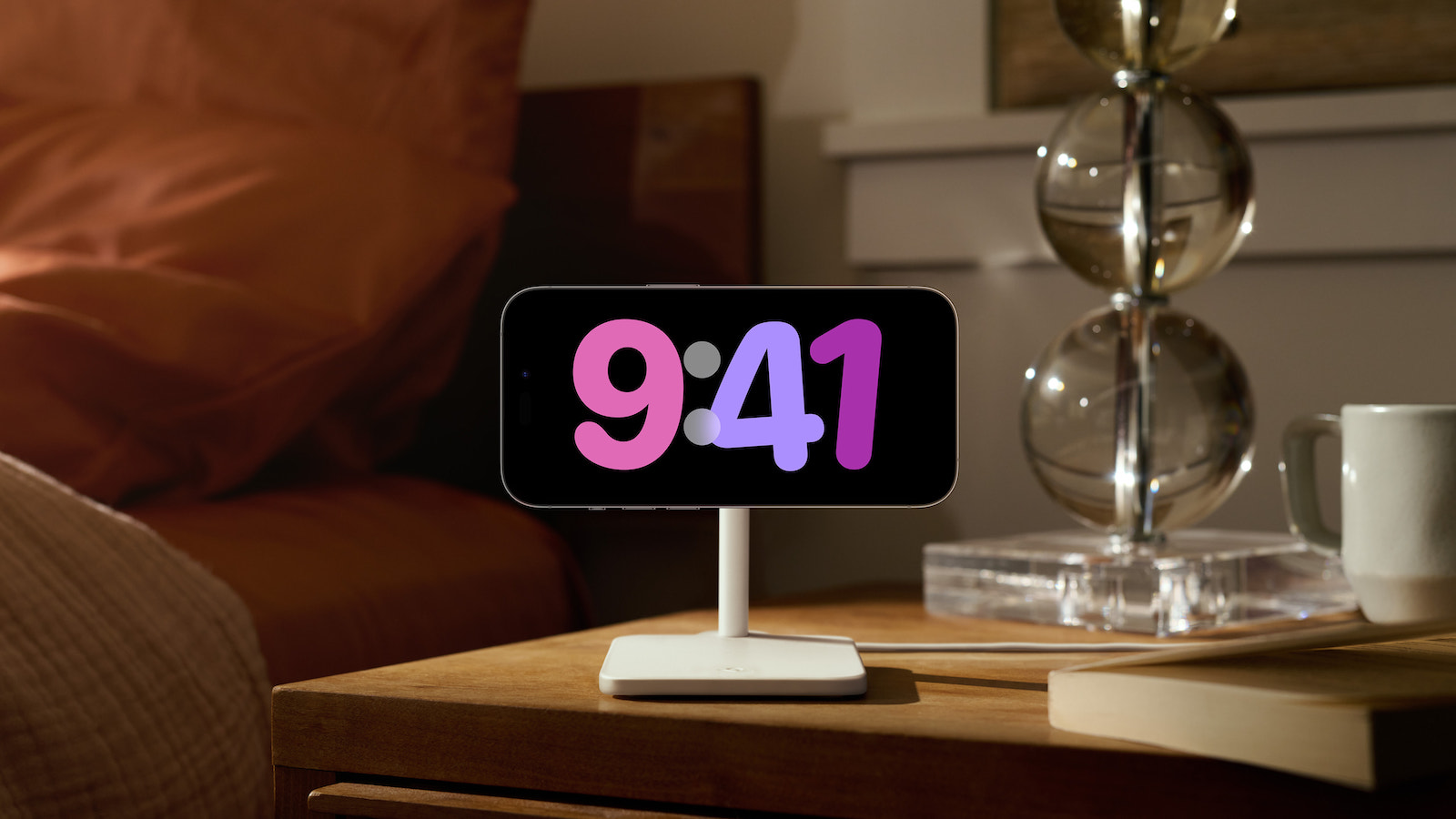
With the release of iOS 17, Apple is introducing interactive widgets on the iPhone, which are available on the home screen, lock screen and in the new sleep mode. This new feature allows users to interact directly with the widgets, opening up a variety of possibilities for an even more user-friendly operation.

Until now, the home screen widgets on iOS 14 were limited to displaying information. Developers were not allowed to incorporate interactive elements such as scrolling, buttons or animated transitions. Tapping on a widget simply opened the corresponding application. But with iOS 17, that is changing. From now on, users can use the interactive widgets to perform various actions directly on the home screen. Apple has already given some examples of how this function can be used.

iOS 17: Interactive widgets for an intuitive device experience

For example, you can mark a reminder as completed, play or pause a song or podcast, and even control accessories in the Home app. This interactivity provides users with a convenient and efficient way to control their devices directly from the Home screen without having to take any additional steps. The introduction of interactive widgets is available not only on iPhone, but also on the iPad with iPadOS 17 and on the Mac desktop with macOS Sonoma. This means that users can enjoy the same benefits and features regardless of their device. The updates are currently in beta and will be released to the public in the fall.

conclusion

With iOS 17, Apple is revolutionizing the use of widgets on the iPhone, iPad and Mac. The ability to interact with widgets directly on the home screen and lock screen opens up a new world of user-friendliness for users. The easy control of apps, media and accessories directly from the widgets saves time and effort. Users can look forward to the release of iOS 17 and the other software updates to take full advantage of the new features and possibilities and to use their devices even more intuitively. Are you looking for new accessories? Then take a look in our Amazon Storefront - there you will find numerous products from leading providers, also for HomeKit and Co.! (Image: Apple)


  • iOS 17: New features for your mental well-being
Make Apfelpatient a preferred source One click – and you'll see us more often on Google
Was this article helpful?
YesNo
Tags: iOSiOS 17iPadOSiPadOS 17macOSmacOS 14

Our Amazon Storefront

A handpicked selection of products for iPhone, Mac and more – sorted by topic and updated regularly.

Shop Now

This post contains affiliate links (including Amazon). We earn a small commission on qualifying purchases – at no extra cost to you. Learn more on our Partner Program page.

Previous Post

iOS 17: New features for your mental well-being

Next Post

iOS 17: Efficient note management with shortcuts

Next Post
iOS 17

iOS 17: Efficient note management with shortcuts

Apple iPhone Ultra

iPhone Ultra: 25 percent market share expected for foldables

July 24, 2026
Apple TV The Morning Show Season 5

Apple TV: The Morning Show ends with season 5

July 23, 2026
Apple Maps iOS 27

Apple Maps will be permanently installed in Ford electric cars by 2027

July 23, 2026

About APFELPATIENT

APFELPATIENT brings you the latest Apple news, product updates, guides, reviews and tips across the entire Apple ecosystem — from the iPhone to the Mac to the Apple Vision Pro. From the first rumors to confirmed news: researched responsibly.

Follow Apfelpatient

Facebook Instagram YouTube threads threads

Company

  • About Apfelpatient
  • Contact
  • Author Profiles

Community

  • Netiquette
  • Push Notifications
  • RSS feed

Legal

  • Legal Notice
  • Privacy Policy
  • Terms of Use
  • Cookie Settings
  • Affiliate Program

Resources

  • Sitemap

© 2026 Apfelpatient. All rights reserved.

No Result
View All Result
  • Home
  • News
  • Rumors
  • Tips & Tricks
  • Reviews
  • Insights

© 2026 Apfelpatient. All rights reserved. Page Directory

Change language to Deutsch

