apple patient
  • Home
  • News
  • Rumors
  • Tips & Tricks
  • Reviews
  • Insights
No Result
View All Result
  • Home
  • News
  • Rumors
  • Tips & Tricks
  • Reviews
  • Insights
No Result
View All Result
apple patient
No Result
View All Result

iMovie for iOS gets new features

by Milan
12. June 2019 - 11:49
in Apple News
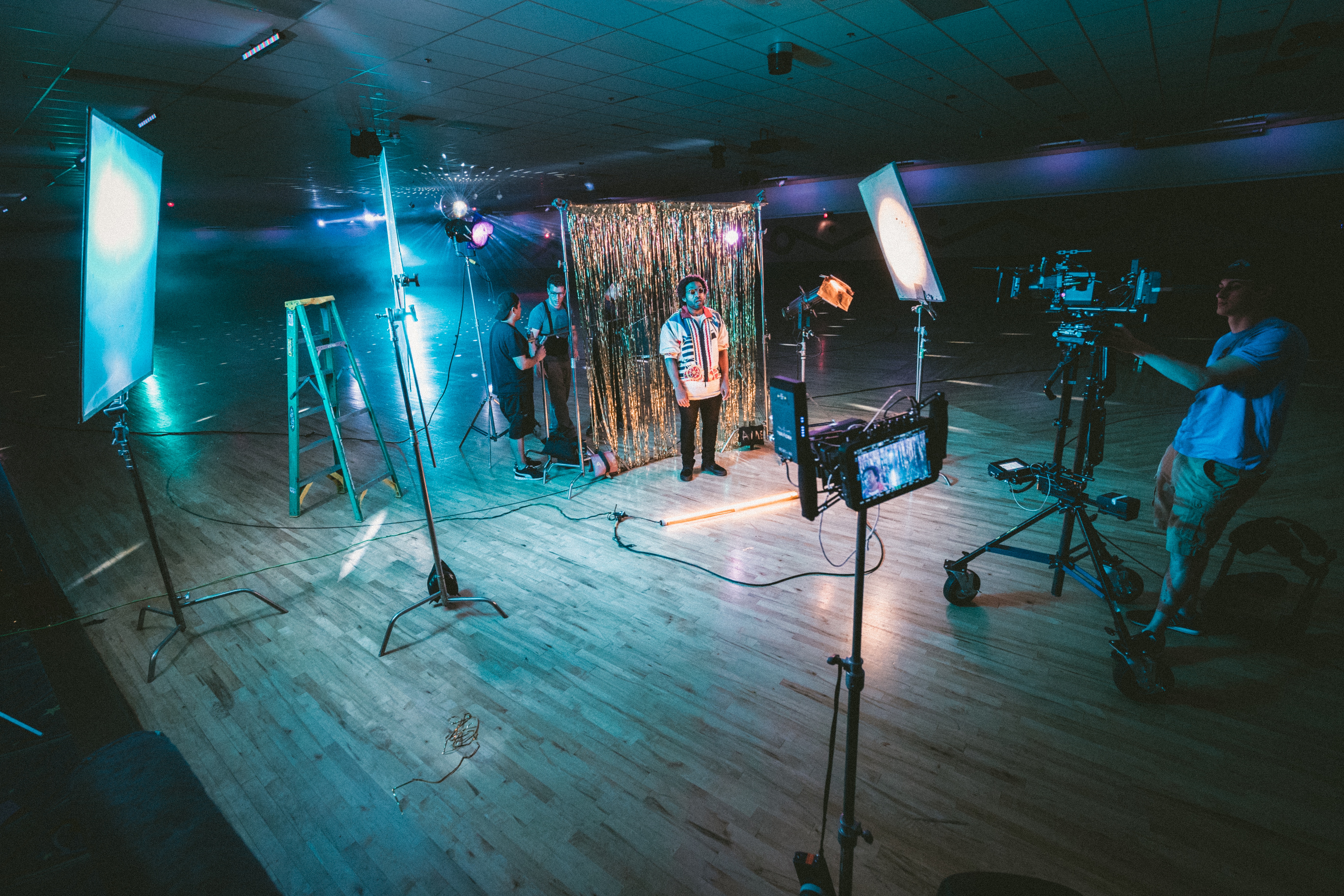
Photo by Unsplash

Photo by Unsplash

Apple has surprisingly released a new update for iMovie on iPhone and iPad. The update includes a number of new features such as the green screen and split screen effect, over 80 new soundtracks and more.

The latest version of iMovie for iOS includes a variety of new features and changes. Highlights include the new green screen effect and the ability to adjust it with a 4-point mask and strength slider. The update also includes improved support for still images, 80 new soundtracks to choose from, ClassKit support, and much more.

All new features at a glance:

  • Transform your video with the new Green Screen effect, which allows you to instantly remove the background from clips shot against a green or blue screen
  • Adjust the green screen effect with a 4-point mask and a strength slider
  • Choose from 80 new soundtracks from genres such as pop, chill and sentimental that automatically adjust to the length of your film
  • Place still images with transparent backgrounds as logos or as your own images in your video
  • Insert photos as overlays to create picture-in-picture or split-screen effects
  • Optionally hide the frame that surrounds picture-in-picture and split-screen effects
  • Return directly to the editing view of your project when you switch back to iMovie from other apps
  • ClassKit support allows students to send video projects to teachers using the Schoolwork app
  • Users with videos in iMovie Theater can access the Theater window from the “•••” menu at the bottom of the Project view
  • Sharing in iMovie Theater is no longer supported; save your movies and trailers to iCloud Photos to watch on other devices including Apple TV
  • Fixed an issue where the viewer could remain black in full-screen preview on external displays

iMovie for iPhone and iPad can be downloaded for free from the iOS App Store downloaded become. (Photo by Unsplash)

Don't want to miss any more news? Then subscribe to our Telegram channel here
Make Apfelpatient a preferred source One click – and you'll see us more often on Google
Was this article helpful?
YesNo
Tags: App StoreiMovieiOSiPadiPhone

Our Amazon Storefront

A handpicked selection of products for iPhone, Mac and more – sorted by topic and updated regularly.

Shop Now

This post contains affiliate links (including Amazon). We earn a small commission on qualifying purchases – at no extra cost to you. Learn more on our Partner Program page.

Previous Post

Apple Card: Goldman Sachs CEO confirms test phase of the new Apple credit card

Next Post

Apple flirts with Intel's modem division in Germany

Next Post
Photo by Unsplash

Apple flirts with Intel's modem division in Germany

Apple TV The Morning Show Season 5

Apple TV: The Morning Show ends with season 5

July 23, 2026
Apple Maps iOS 27

Apple Maps will be permanently installed in Ford electric cars by 2027

July 23, 2026
Google EU

EU imposes €890 million fine on Google

July 23, 2026

About APFELPATIENT

APFELPATIENT brings you the latest Apple news, product updates, guides, reviews and tips across the entire Apple ecosystem — from the iPhone to the Mac to the Apple Vision Pro. From the first rumors to confirmed news: researched responsibly.

Follow Apfelpatient

Facebook Instagram YouTube threads threads

Company

  • About Apfelpatient
  • Contact
  • Author Profiles

Community

  • Netiquette
  • Push Notifications
  • RSS feed

Legal

  • Legal Notice
  • Privacy Policy
  • Terms of Use
  • Cookie Settings
  • Affiliate Program

Resources

  • Sitemap

© 2026 Apfelpatient. All rights reserved.

No Result
View All Result
  • Home
  • News
  • Rumors
  • Tips & Tricks
  • Reviews
  • Insights

© 2026 Apfelpatient. All rights reserved. Page Directory

Change language to Deutsch