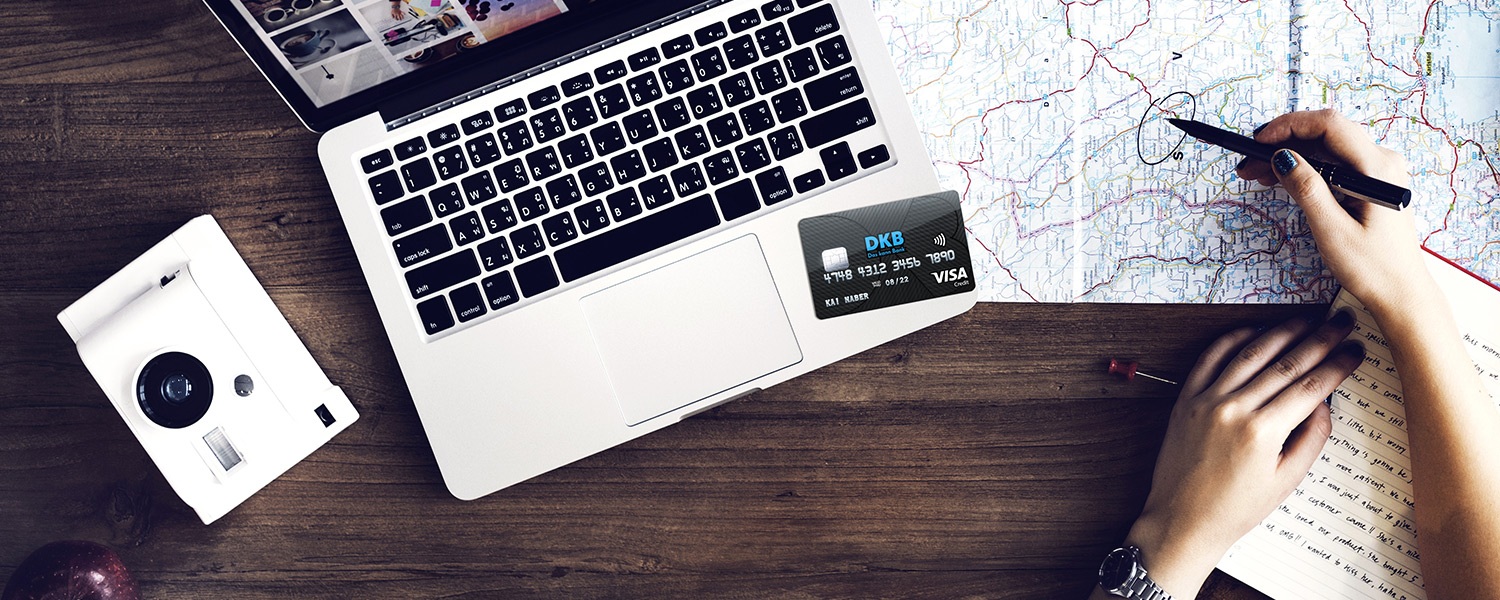
With Apple Pay, iPhones and Apple Watches can replace debit or credit cards. Simply holding the device up to the terminal initiates the payment process. DKB customers can now also use Apple's mobile payment system - but there is one exception.
Deutsche Kreditbank Aktiengesellschaft (DKB), based in Berlin, is a credit institution and wholly owned subsidiary of Bayerische Landesbank – and has been an Apple Pay supporter since today. The introduction of the new service was already announced in December 2018 announced and is being rolled out today. Customers of the DKB Visa card can therefore deposit their credit card with Apple Pay in two ways.
On the one hand, there is the normal way via the Wallet app and on the other hand, the DKB banking and Tan2Go application. If you choose the second option, you can access the "Card Control" menu item via the banking app and then verify the card.
Not every DKB credit card is supported
Some customers experienced problems with the verification in the first few hours - the process could not be completed completely - this should improve over the course of the day. The credit cards that are not currently supported include the Miles & More and Hilton Honors cards, which are issued by DKB. According to the credit institution, these will be added at a later date.
How do I set up Apple Pay?
In order to use Apple Pay on an iPhone, Apple Watch or Mac, the user must go through the setup process. Apple has made this very simple. The basic requirement is, of course, up-to-date software for the respective device, a functioning Apple ID and a card. Which banks support Apple's payment service is listed below. By the way: If you want to use Apple Pay on multiple devices, you have to store the card on each device individually.
Setting up on an iPhone, iPad or Mac:
To start the setup, you need to open Wallet & Apple Pay in the system settings. Then click on the command "Add a new card". You will now be asked to select a stored card - you must enter the security code. Finally, click "Next" and the system will check the entries and decide whether Apple Pay will be activated. Some providers require additional verification to activate Apple Pay - the respective bank will make a corresponding request for this. Once the activation is complete, Apple Pay can be used immediately. By the way: If you want to see the transactions you have made, you can access the transaction history directly via the Wallet app.
Setting up on an Apple Watch:
To activate Apple Pay on an Apple Watch, the same steps are necessary as for the other devices. Only the access differs. The Wallet & Apple Pay app can be accessed under the Apple Watch app.
Which banks support Apple Pay?
Agreements with the individual banks are necessary for payment processing - Apple has to conclude separate contracts here. Apple maintains a list of participating banks in this country. Apple's banking partners include Deutsche Bank, HypoVereinsbank, DKB, Hanseatic Bank, Fidor, Comdirect, O2 Banking, N26, bunq, boon, Vimpay, Consors Finanz, Viabuy, Consors Bank and Edenred. Visa, MasterCard + Maestro and American Express are also involved. In 2019, Revolut, ING-Diba, Fleetmoney, Crosscard, Sparkassen, Volks- und Raiffeisenbanken and Sodexo will be added. You can find out everything you need to know about Apple Pay Germany here here. (Image: DKB)