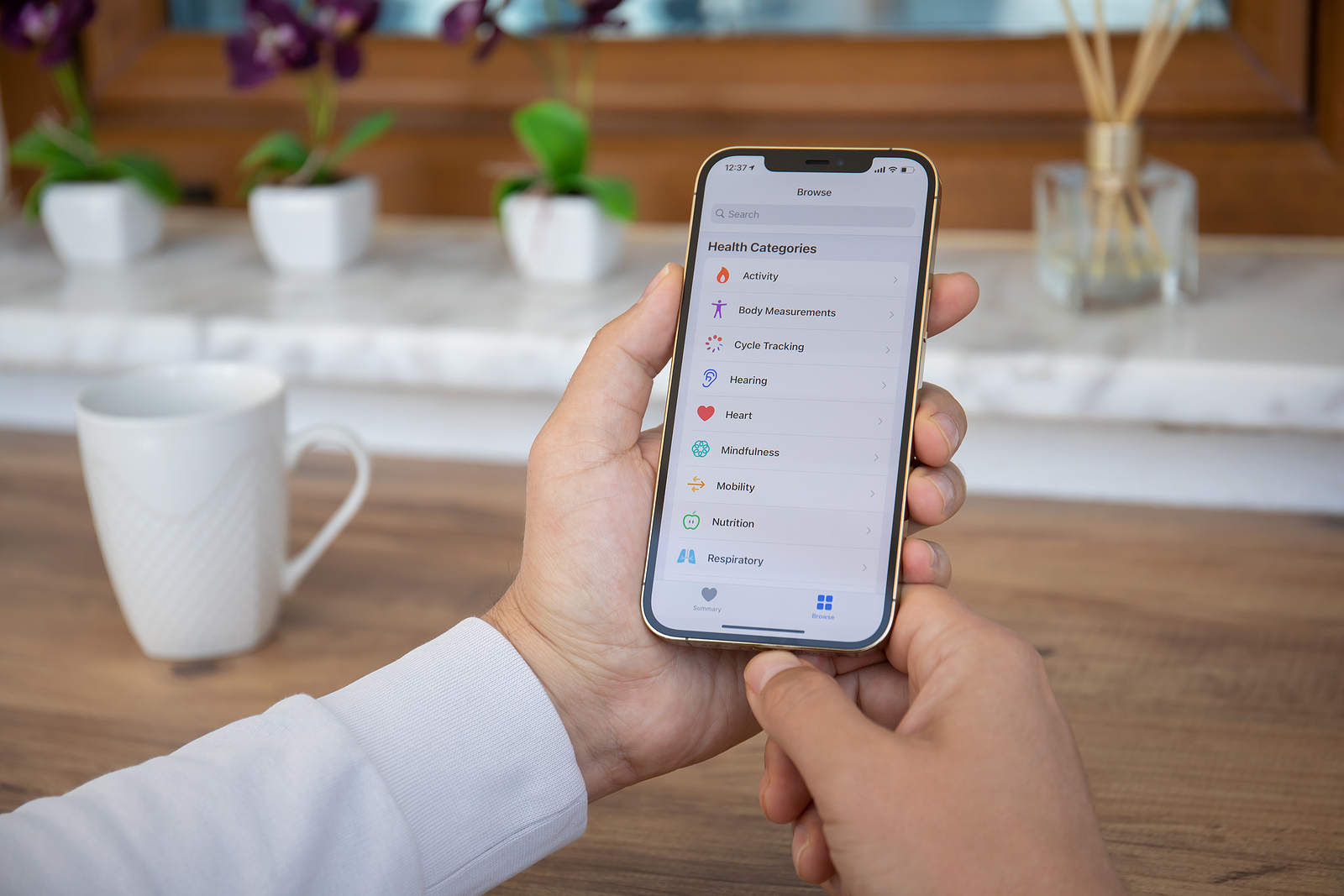
With iOS 16, Apple has integrated a new medication management feature into the Health app. This allows users to keep track of their medication and make sure they don't miss a dose. The feature works together with the new Medications app on the Apple Watch and is quite useful.
Medications is a new section in the Health app in iOS 16. You can get to it by scrolling down to Medications in the Browse section or by typing it into the Health app search bar. In the Medications app, you can enter all the prescription and over-the-counter medications and vitamins you take to get reminders, check interactions, and more. Adding a medication is as easy as tapping the Add Medications button in the Health app. From there, you can type in the name of the medication or vitamin or use your iPhone camera to scan your pill bottle label.
iOS 16: Medicines in focus
Adding by scanning is easy but not all information is always captured, so you may need to manually select the dose and form. You can then set how often you want to take your medication. You can select a specific day or interval of days, specific days of the week, or as needed, and then set the time you want to take the medication. Medications can be given a shape and color that matches the pill you take in real life, so you can quickly and easily identify them. You can add all your medications and vitamins in the Health app and have everything displayed in one list.
medication reminders
Once you've added your medications to the Health app and set a time and day to take them, iPhone will send you a notification when it's time to take them. You can receive notifications for any medication in the Health app that has a schedule assigned to it. Medication notifications are considered time-based notifications and will be delivered at the time you set unless you override the setting. Any medication that has a time and/or day you need to take it will be notified automatically.
medication logging
When a reminder notification appears, you can tap it to go to a pop-up where you can mark the medications as "taken" or "missed." You can also use the "Mark all as taken" option if you need to take multiple medications at the same time. You can also mark medications as taken in the medications list in the Health app. The Health app can track the medications you take over time so you can check if you're taking your medications regularly. You can see the data sorted by day, week, month, six months, and year. Apple also shows you how often you've taken a medication in the past 28 days in your Health summary.
Apple Watch medication app
In watchOS 9, there is a dedicated Medication app that you can use for faster logging. You can log each medication individually in the app, or use the "Log All as Taken" option to see them all at once. If you missed a dose, you can select the "Missed" option. The Apple Watch app is only there to mark medications taken. Everything else you have to manage in the Health app.
drug interactions
The Health app regularly checks whether the medications you are taking have any interactions so that you do not take a dangerous combination of medications.
Drug side effects and other information
When you click on a medication from your list in the Health app, you can click the "Side Effects" button to see the listed side effects for that medication, if they are available. The information is provided by Elsevier, a Dutch company specializing in medical content, including the annual ScienceDirect book series on drug side effects.
exporting medicines
In the Medications section of the Health app, there is an option to "Export medication list as PDF," which, as the name suggests, creates a simple PDF file of the medications you are taking. You can share this list with a doctor.
sleep functions
For those who wear Apple Watch to sleep, watchOS 9 and iOS 16 offer new features. The sleep recorded by Apple Watch is divided into awake, REM, core (light) and deep sleep categories to give you an idea of how well you slept during the night. Apple Watch records when you go to bed, how long it takes you to fall asleep, how often you wake up and how much time you spend in REM, core and deep sleep. Apple defines the different sleep categories as follows:
- Awake - You may be awake for part of your sleep. It is normal for people to wake up occasionally. You may fall right back asleep and not remember waking up during the night.
- REM sleep – This stage of sleep may play a role in learning and remembering. During this stage, your muscles are most relaxed and your eyes move rapidly from side to side. This is also the stage where most of your dreams occur.
- Core sleep – This stage is also called light sleep and is just as important as the other stages. During this stage, you often sleep most of the night. During this stage, brain waves occur that can be important for cognition.
- Deep sleep – Also known as slow-wave sleep due to brainwave patterns, this stage is a time when body tissues are repaired and important hormones are released. This stage usually occurs at longer intervals during the first half of your sleep.
Sleep data collected by Apple Watch can be viewed in the Sleep section of the Health app. Sleep data can now be viewed per day rather than just per week, so you can take a closer look at your sleep quality day by day. Aside from the new sleep categories, sleep functionality is the same. You still use the same bedtime and wake-up features associated with the shutdown and sleep focus options.
invitations to health sharing
In iOS 16, you can invite family members to share their data with you. This makes it easy to keep track of the health data of older family members or children. Once you receive an invitation, the person can choose what data they want to share with you.
Tracking Fitness Activities on iOS 16
In iOS 15 and earlier, you needed an Apple Watch to use the Fitness app. But that changed in iOS 16. You can use the Fitness app along with iPhone's motion sensors to track your activity level. iPhone can estimate steps and distance walked, and track workouts through third-party apps to learn how many calories you burned in a day. Without an Apple Watch, you can only set a daily Move goal, with no Move and Stand goals available. Whether your device is compatible with the new Software is compatible, you can find out here. (Photo by Denys Prykhodov / Bigstockphoto)