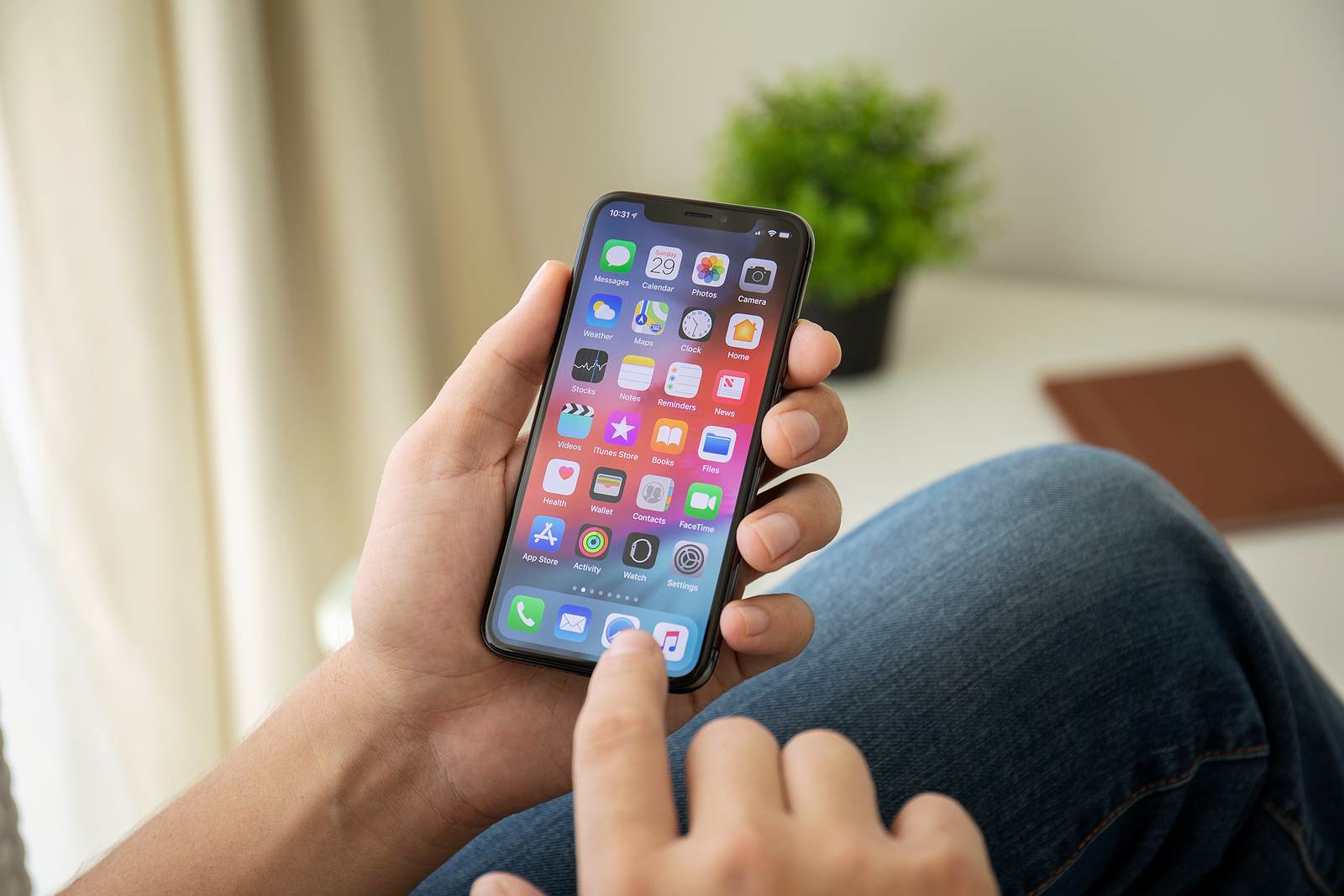
Apple has added some useful features to iOS 15 and iPadOS 15. Improvements have also been made to the notifications area. Below is an overview.
With iOS 15, users get more control over their notifications on the iPhone. In addition, both the way they are delivered and their appearance have been revised. Notifications from apps now show larger app icons so users can see what's going on at a glance. So if you receive a text from someone from an app like Messages, the contact's photo will be displayed so you can more easily see who is sending you a message. This feature works with built-in Apple apps and third-party apps thanks to a notification API, so third-party apps like WhatsApp, Facebook Messenger, and Co. will also be able to display contact photos in notifications.
Summary of notifications
Notification Summary is an opt-in feature that lets you control when notifications from unimportant apps are delivered. If you tap Notification Summary in the Notifications section of the Settings app, you'll be guided through the setup process. For Notification Summary, you can select specific times when notifications should be delivered and decide which app notifications should be relegated to the Notification Summary. You can select just a handful of apps or all of your apps. And apps must be selected individually. But the iPhone wouldn't be the iPhone if it didn't think for itself.
Delivery times can be adjusted
This means your iPhone will suggest the apps that send the most notifications. You can set the notification summary to be delivered multiple times a day. By default, summaries are delivered at 8:00 a.m. and 6:00 p.m., but these times can be changed and additional delivery times can be added. The notification summary will also be shown on the iPhone in its own section before these times, so you never really miss anything, cool right?!
iOS 15: Mute notifications
Apps that send notifications or message threads can be temporarily muted, either for the next hour or for the entire day. If you're in a particularly active message thread that you're not participating in, your iPhone will send you a notification suggesting that you mute the thread so you're not disturbed.
Time-sensitive notifications
With the notification summary, time-critical notifications are still delivered immediately. So if you are waiting for a food delivery or a ride or receive a fraud alert from your bank, you will know about it immediately and will not miss it in the notification overview. Apple has developed a so-called "Time Sensitive Notification API" for app providers so that applications that need to deliver notifications as quickly as possible can use the "Time Sensitive Notification feature" starting this fall. Both iOS 15 and iPadOS 15 and Co. are currently available in beta for developers and regular users who are part of the Apple Beta Software Program. registered are. The final versions According to Apple, these updates will be released in the fall as usual. (Photo by Denys Prykhodov / Bigstockphoto)