
Apple Intelligence: The best tips for your Photos app
Apple Intelligence makes managing your photos easier. Learn how to use search, memories, and the cleanup tool.

macOS is Apple's operating system for the Mac and looks back on one of the longest platform histories in the Apple world – from Mac OS X in 2001 via OS X to today's macOS branding, in use since 2016. Every new major version is unveiled at WWDC in June and released in the fall; since 2025, the version numbers of all Apple operating systems are synchronized with the calendar year. macOS provides tools such as Spotlight, Mission Control, Stage Manager, Spaces, Quick Notes, Shortcuts, Time Machine, Apple Intelligence, and Continuity features like Handoff, Universal Clipboard, AirDrop, Universal Control, Sidecar and iPhone Mirroring. On Apple silicon Macs, iPhone and iPad apps also run natively within the system.
On apfelpatient.de, this tag delivers the full coverage around macOS: beta cycles for every new major version, detailed reports on all features and point updates, tips and tricks for system settings, workflows and hidden features, background on security updates and critical bug fixes, design analyses of new interfaces such as Liquid Glass, comparisons with Windows, and all rumors and reports about upcoming macOS versions.
Anyone wanting to use macOS purposefully, get the most out of their Mac or follow the evolution of the desktop platform has their central reference point right here.
Apple Intelligence makes managing your photos easier. Learn how to use search, memories, and the cleanup tool.

Efficient surfing with Apple Intelligence: Have websites summarized for you and keep track of everything, whether for work or study.

iOS 18.4 brings Matter support for vacuum cleaners to the Home app. Now use Siri, create automations and control devices more easily.

Apple Intelligence makes it easier to manage your emails. Smart tools help you set priorities and keep track of everything.

With Apple Intelligence you can correct, rephrase and summarize texts. Get to know the “writing tools” and write better!
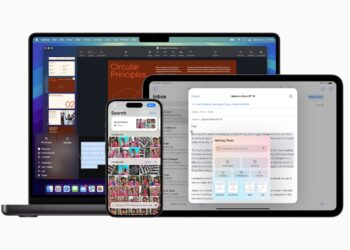
Setting up Apple Intelligence: Find out how to make the most of the new feature and take your digital everyday life to a new level.

Apple rolls out iOS 18.4 Beta 1: New features for Apple Intelligence, CarPlay design & improved priority notifications. Read more!

The Mail app in macOS 15.4 and iPadOS 18.4 is getting a major update. Discover new inbox categories and a modern design!
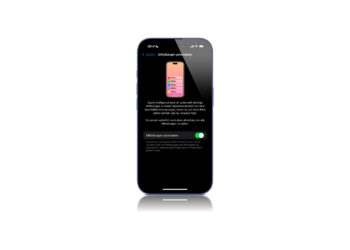
Apple is optimizing your notification system with iOS 18.4. Here you can find out how “Prioritize notifications” works and what it does.
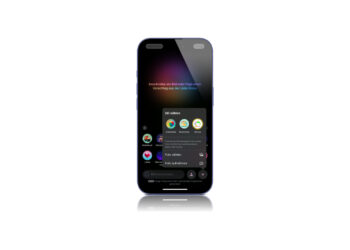
iOS 18.4 brings a new style option for Image Playground. Apple expands image generation with the Sketch style - now the beta ...
You are currently viewing a placeholder content from Facebook. To access the actual content, click the button below. Please note that doing so will share data with third-party providers.
More InformationYou are currently viewing a placeholder content from Instagram. To access the actual content, click the button below. Please note that doing so will share data with third-party providers.
More InformationYou are currently viewing a placeholder content from X. To access the actual content, click the button below. Please note that doing so will share data with third-party providers.
More Information