
apple patient
  • Home
  • News
  • Rumors
  • Tips & Tricks
  • Reviews
  • Insights
No Result
View All Result
  • Home
  • News
  • Rumors
  • Tips & Tricks
  • Reviews
  • Insights
No Result
View All Result
apple patient
No Result
View All Result

Quick and easy: connect AirTags to your iPhone

by Milan
April 6, 2023 - 9:14 PM
in Apple Tips & Tricks
Connect AirTags to iPhone

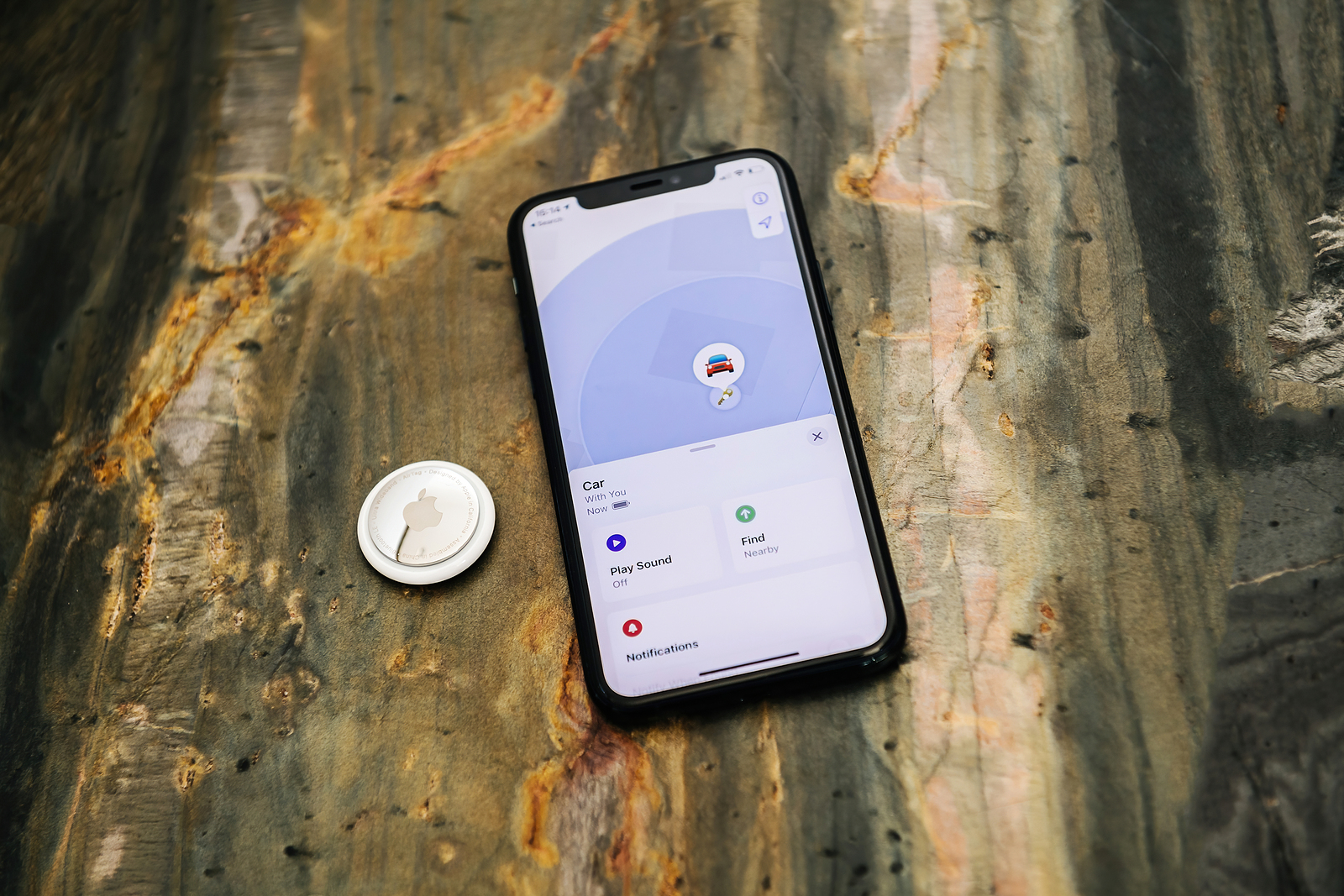
Paris, France - May 7 2021: Apple Computers website on the latest iPhone 11 Pro smartphone with new AirTag tracking device on the luxury stone - showing the car on the map

Apple AirTags are a great invention that allows you to quickly and easily find lost or stolen items. If you haven't connected your AirTags to your iPhone yet, you may be wondering how to do it. In this article, I'll show you how to connect your AirTags to your iPhone in a few simple steps.

Before we start with how to connect AirTags to iPhone, you should make sure you have the latest version of iOS installed on your iPhone. The AirTags need at least iOS 14.5 or later to work. Also, make sure you have Bluetooth and Wi-Fi enabled on your iPhone.

How do I connect my AirTags to my iPhone?

Open the Find My app on your iPhone.

  • The Find My app is the app you use to manage your AirTags. Open it on your iPhone to start connecting your AirTags.

Click on "Add". 

  • In the “Find My” app, click the “Add” button in the top right corner.

Select “AirTag”.

  • Select “AirTag” from the list of available devices to start connecting your AirTag.

Take the AirTag out of the packaging.

  • Take the AirTag out of the box and press the silver button to activate it.

Hold the AirTag near your iPhone.

  • Hold the AirTag near your iPhone. Your iPhone will automatically recognize the AirTag and display a screen where you can name it.

Give your AirTag a name.

  • Give your AirTag a name to make it easier to find in the Find My app. You can choose from a list of predefined names or enter your own.

Connect your AirTag to your iCloud account.

  • To fully use your AirTag, you need to connect it to your iCloud account. Follow the onscreen instructions to connect the AirTag to your account.

Repeat the process for additional AirTags.

  • If you have multiple AirTags, you can repeat the process for each AirTag to connect them all to your iPhone.

Apple AirTags: Conclusion

Connecting your AirTags to your iPhone is a simple process that only takes a few minutes. If you follow these steps, you can connect your AirTags to your iPhone in no time and quickly find lost items. Don't forget that you can also adjust settings in the Find My app to further customize the functions of your AirTags. Don't have AirTags yet? Apple's tracker is currently priced from 31.76 euros individually or in packs of 4 from 109.90 euros available. (Photo by hadrian / Bigstockphoto)


  • Apple AirTags: The ultimate solution for forgetful people
Make Apfelpatient a preferred source One click – and you'll see us more often on Google
Was this article helpful?
YesNo
Tags: AirTags

Our Amazon Storefront

A handpicked selection of products for iPhone, Mac and more – sorted by topic and updated regularly.

Shop Now

This post contains affiliate links (including Amazon). We earn a small commission on qualifying purchases – at no extra cost to you. Learn more on our Partner Program page.

Previous Post

iOS 17 Rumors: Big Changes in the Control Center?

Next Post

iOS 16.4.1 & macOS 13.3.1: Apple fixes bugs

Next Post
iOS 16.4.1 macOS 13.3.1

iOS 16.4.1 & macOS 13.3.1: Apple fixes bugs

Apple TV The Morning Show Season 5

Apple TV: The Morning Show ends with season 5

July 23, 2026
Apple Maps iOS 27

Apple Maps will be permanently installed in Ford electric cars by 2027

July 23, 2026
Google EU

EU imposes €890 million fine on Google

July 23, 2026

About APFELPATIENT

APFELPATIENT brings you the latest Apple news, product updates, guides, reviews and tips across the entire Apple ecosystem — from the iPhone to the Mac to the Apple Vision Pro. From the first rumors to confirmed news: researched responsibly.

Follow Apfelpatient

Facebook Instagram YouTube threads threads

Company

  • About Apfelpatient
  • Contact
  • Author Profiles

Community

  • Netiquette
  • Push Notifications
  • RSS feed

Legal

  • Legal Notice
  • Privacy Policy
  • Terms of Use
  • Cookie Settings
  • Affiliate Program

Resources

  • Sitemap

© 2026 Apfelpatient. All rights reserved.

No Result
View All Result
  • Home
  • News
  • Rumors
  • Tips & Tricks
  • Reviews
  • Insights

© 2026 Apfelpatient. All rights reserved. Page Directory

Change language to Deutsch

