
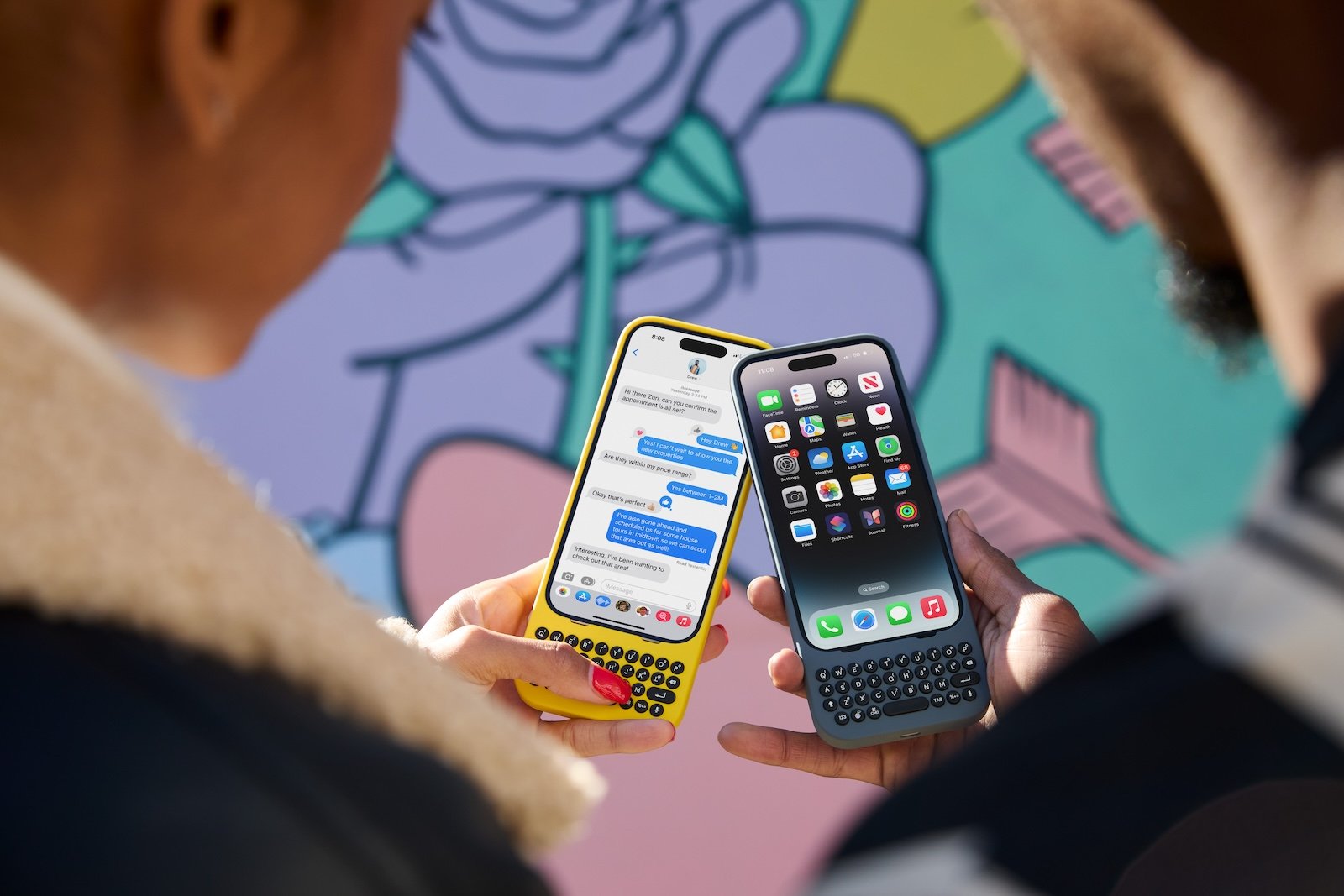
Are you looking for an innovative iPhone case that not only offers protection but also significantly expands the functionality of your smartphone? Then the Clicks keyboard case could be just the thing for you. In this review, you will learn all about the advantages and possible disadvantages of this unique case. Let's find out together whether Clicks meets your requirements and can take your iPhone experience to a new level.
With the Clicks keyboard case, the Clicks company has launched a revolutionary extension for the iPhone. The aim was to combine the advantages of a physical keypad phone with the performance of a modern smartphone. The response was overwhelming: customers in over 80 countries now use Clicks, including business people, students, best-selling authors, musicians and fashion designers. It turns out that the combination of a modern smartphone and a physical keyboard goes far beyond mere typing and offers a wide range of added value.
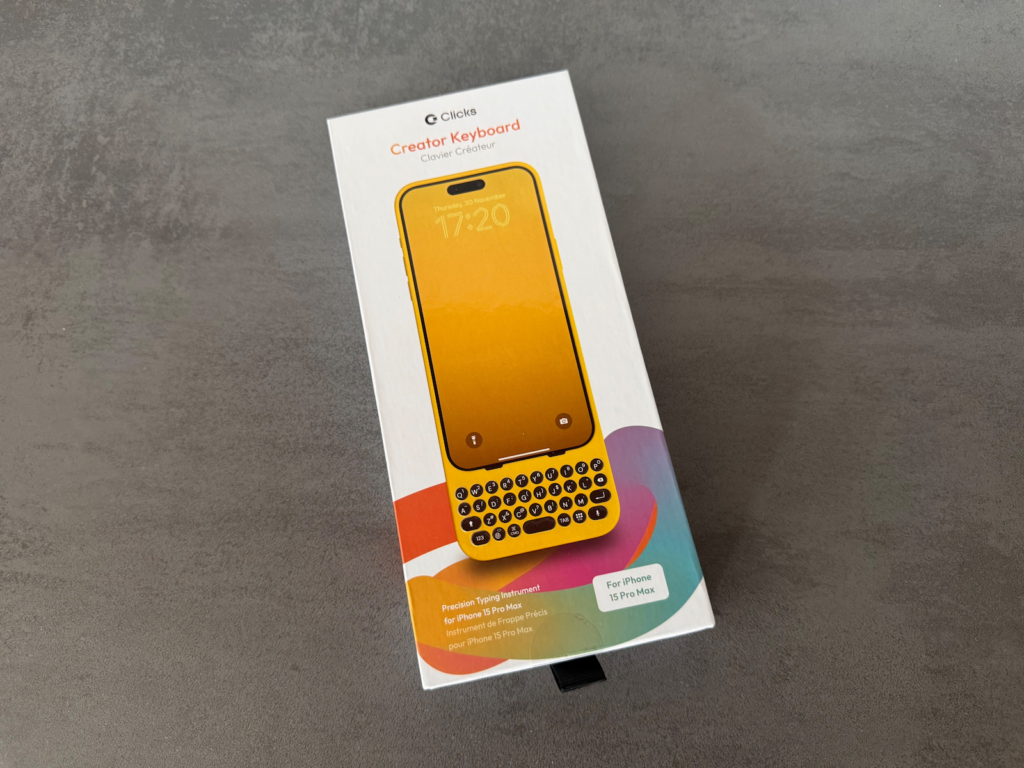
Advantages of the Clicks Keyboard Case
More screen space
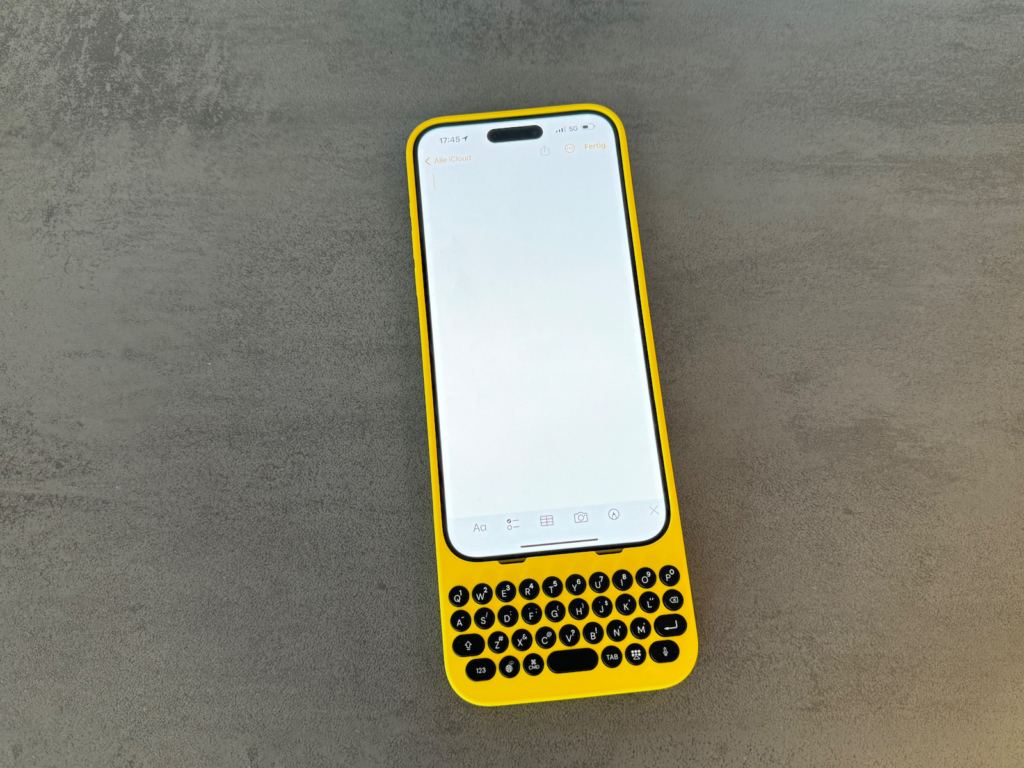
One of the biggest benefits of the Clicks Keyboard Case is that it significantly increases the usable screen space. Hiding the virtual keyboard frees up the space normally taken up by the on-screen keyboard. This allows you to see more of your apps and content at once. This is particularly useful in applications such as email, word processing and browsers, where more screen space can make a real difference.
keyboard shortcuts
With the Clicks keyboard case, you can use Mac and iPad keyboard shortcuts on your iPhone for the first time. This not only increases efficiency but also flexibility when using your iPhone. Apple keyboard shortcuts such as copy-paste, screenshot and many more are now also available in "Clicks mode", which makes working with the iPhone much easier.
mobility and creativity
The ability to be productive anywhere is another great benefit of the Clicks keyboard case. Many customers report being able to use their iPhone for more tasks on the go, rather than waiting for a laptop or tablet keyboard. Whether you're a business traveler who needs to work on the go, a student who needs to take notes, or an artist who wants to capture their ideas, Clicks gives you the freedom to be creative anywhere.
Perfect Click
A well-thought-out keyboard design is essential for a pleasant typing experience. The combination of metal domes, carefully chosen key travel and actuation pressure results in the perfect click - and it really comes across. This ensures that every keystroke is precise and satisfying, which is particularly beneficial when typing for longer periods of time.
Keyboard lighting
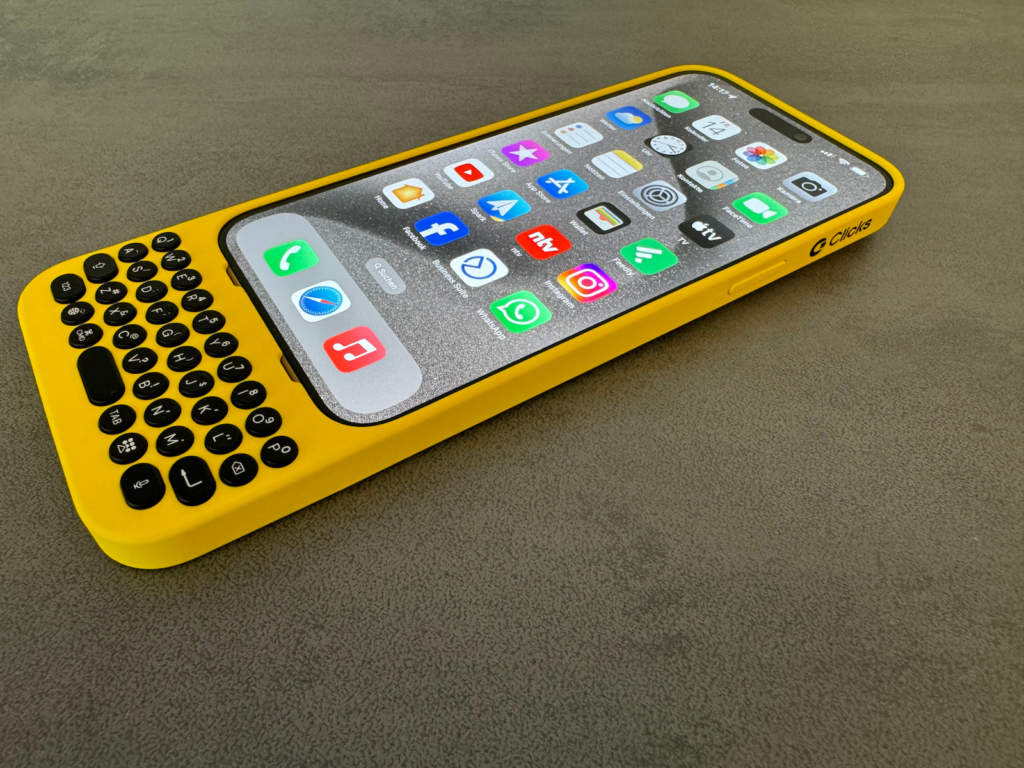
The Clicks Keyboard Case features a backlight that you can easily activate by holding down "123" and pressing "Globe." This is especially useful when working or typing in poorly lit environments.
speech-to-text function
Another useful feature is the speech-to-text function, which can be activated in any input field. Simply tap and you can enter text using your voice. This saves time and increases efficiency when processing text.
Siri integration
You can activate Siri at any time by long pressing, which makes using your iPhone even more convenient. Whether you want to send a message, set a reminder or look up information - Siri is just a button press away.
Additional features
- Firmware updates: To ensure your Clicks keyboard is always up to date and all features are fully functional, regular firmware updates are available. You can easily install these via the Clicks app .
- Backlight: You can adjust the brightness and timing of the backlight to suit your needs.
- Configure Spacebar: The spacebar can be configured to add a new line instead of sending a message. This is especially useful when word processing.
- USB-C Battery Saver: This feature allows iPhone to use minimal power to maintain connection to all USB-C accessories. After a period of inactivity, Clicks automatically disconnects to save power. Press any button to reconnect.
prices and models
- iPhone 15, iPhone 15 Pro, iPhone 14 Pro for 129 euros .
- iPhone 14 Pro Max, iPhone 15 Plus, iPhone 15 Pro Max for 149 euros .
Impact on battery life
But what about battery life? Clicks uses minimal power from the iPhone battery. Without the backlight, power consumption is typically less than 2 % over the course of a day. With the backlight on, power consumption can increase by up to 2 % with intensive keyboard use.
Advantages
- Extended screen space: By hiding the virtual keyboard, you gain more space for apps and content.
- Efficient keyboard shortcuts: Use Mac and iPad keyboard shortcuts on your iPhone.
- Mobility and creativity: Be productive and creative, no matter where you are.
- Perfect click: Metal domes and carefully selected key travel and actuation pressure ensure a pleasant typing experience.
- Keyboard backlight: Lighting for working in poorly lit environments.
- Speech-to-text function and Siri integration: Increase your efficiency when using your iPhone.
Disadvantages
- No MagSafe compatibility: The current version of Clicks is not MagSafe compatible, but works with many QI charging stations.
- Restrictions on the use of other cases: The Clicks case cannot be combined with other protective cases.
- Not waterproof: splashes may damage the keyboard.
- CarPlay and EarPods: CarPlay pass-through only works with Lightning models; wired EarPods do not work via Clicks.
Conclusion
The Clicks keyboard case offers a unique combination of protection and extended functionality for your iPhone. The workmanship is also of high quality. Clicks is a worthwhile investment, especially for users who type a lot and appreciate the advantages of a physical keyboard.
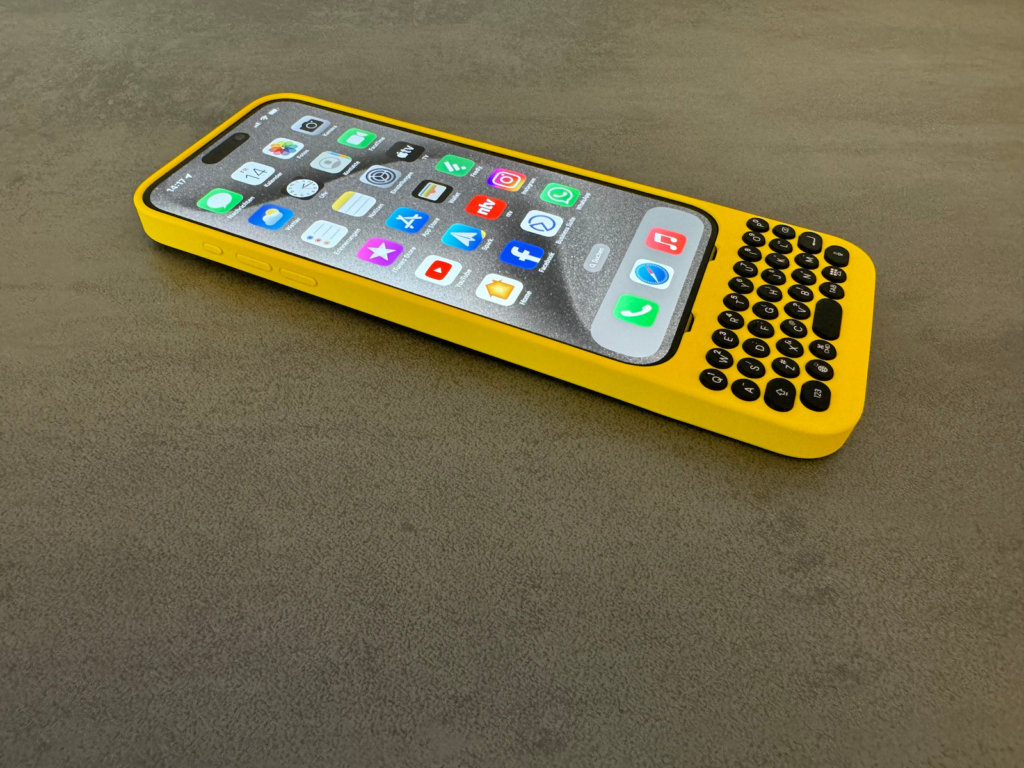
Despite some drawbacks, such as the lack of MagSafe compatibility and limitations when using other cases, the advantages clearly outweigh them. The Clicks Keyboard Case is ideal for anyone looking to enhance their iPhone experience and boost their productivity. Try Clicks and discover how it can take your iPhone experience to the next level – shop now ! (Image: Clicks Technology)



