
apple patient
  • Home
  • News
  • Rumors
  • Tips & Tricks
  • Reviews
  • Insights
No Result
View All Result
  • Home
  • News
  • Rumors
  • Tips & Tricks
  • Reviews
  • Insights
No Result
View All Result
apple patient
No Result
View All Result

WhatsApp introduces end-to-end encrypted backups in iCloud

by Milan
15. October 2021 - 13:31
in Apple News
WhatsApp introduces end-to-end encrypted backups in iCloud

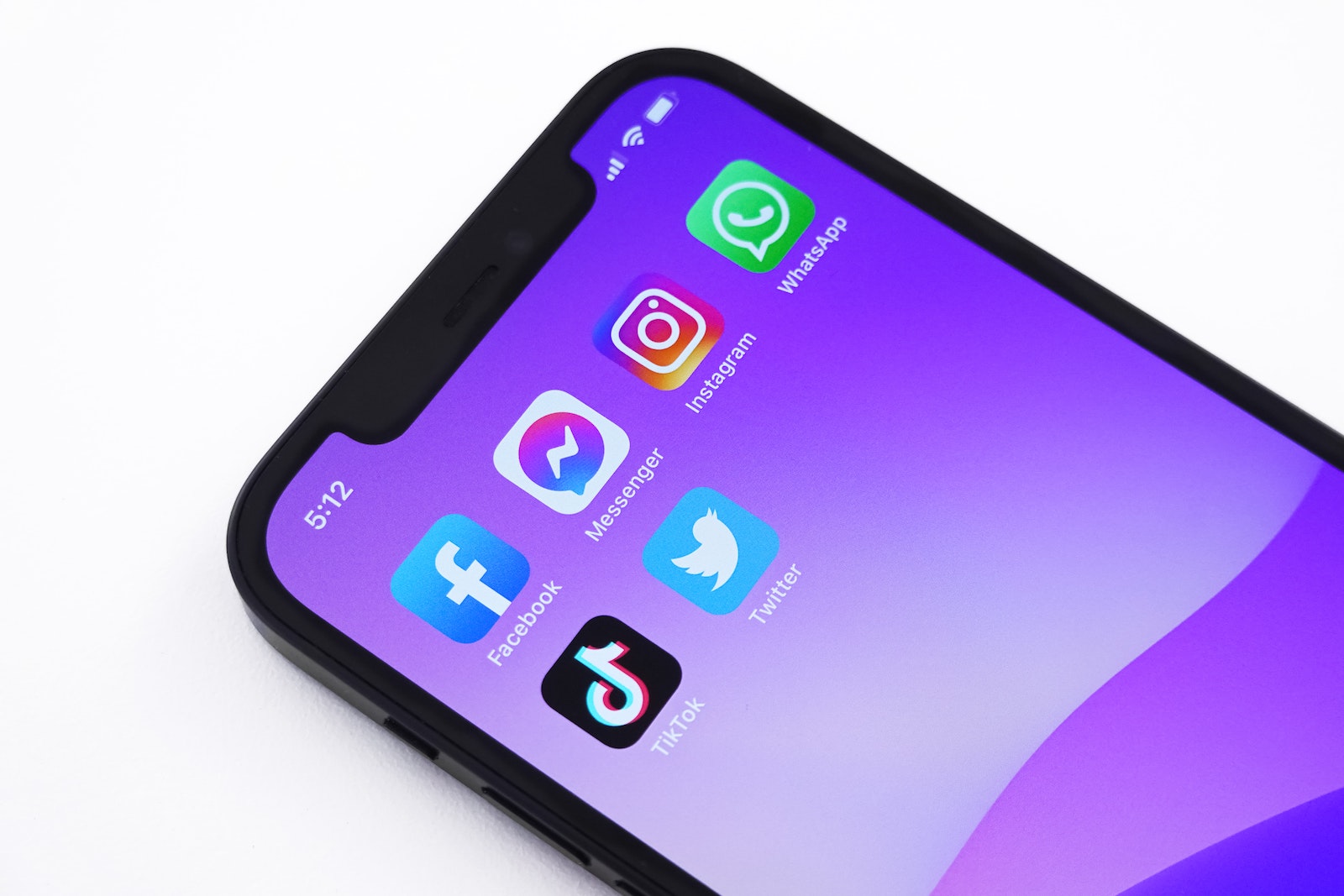
Photo by Unsplash / Jeremy Bezanger

Over a month ago, Facebook CEO Mark Zuckerberg announced that WhatsApp would receive end-to-end encrypted backups in the future. The new feature will now be gradually introduced to all users.

WhatsApp introduced encryption for its messaging service in 2016 – although there have recently been doubts about claims that it prevents surveillance. Now the Facebook-owned service has announced that its own chat backup will be end-to-end encrypted when users save it to either Google Drive or Apple's iCloud. In a blog post is called it:

Many users want a way to back up their chats in case they lose their phone. Starting today, we're offering an additional, optional layer of security to protect backups stored on Google Drive or iCloud with end-to-end encryption. You can now secure your end-to-end encrypted backup with either a password of your choice or a 64-character encryption key that only you know. Neither WhatsApp nor your backup service provider can read your backups or access the key needed to unlock them.

End-to-end encrypted backups in WhatsApp: The availability

WhatsApp has more than two billion users and "we will slowly roll out this feature to users on the latest version" of the WhatsApp app. In terms of availability, WhatsApp explains that while the feature will be included in the latest version, not everyone will be able to access it. Access will be gradual, so it may take some time before all users can access it. Once the feature has been rolled out, here's what you can do. Open WhatsApp, go to Settings -> Chats -> Chat backups -> End-to-end encrypted backup and follow the instructions. (Photo by Unsplash / Jeremy Bezanger)


  • WhatsApp: More freedom when recording voice messages
Make Apfelpatient a preferred source One click – and you'll see us more often on Google
Was this article helpful?
YesNo
Tags: App StoreiOSTechPatientWhatsApp

Our Amazon Storefront

A handpicked selection of products for iPhone, Mac and more – sorted by topic and updated regularly.

Shop Now

This post contains affiliate links (including Amazon). We earn a small commission on qualifying purchases – at no extra cost to you. Learn more on our Partner Program page.

Previous Post

Apple launches Apple Watch Series 7

Next Post

CSAM in iCloud Photos: New Criticism for Apple's Child Protection

Next Post
CSAM in iCloud Photos: New Criticism for Apple's Child Protection

CSAM in iCloud Photos: New Criticism for Apple's Child Protection

Apple TV The Morning Show Season 5

Apple TV: The Morning Show ends with season 5

July 23, 2026
Apple Maps iOS 27

Apple Maps will be permanently installed in Ford electric cars by 2027

July 23, 2026
Google EU

EU imposes €890 million fine on Google

July 23, 2026

About APFELPATIENT

APFELPATIENT brings you the latest Apple news, product updates, guides, reviews and tips across the entire Apple ecosystem — from the iPhone to the Mac to the Apple Vision Pro. From the first rumors to confirmed news: researched responsibly.

Follow Apfelpatient

Facebook Instagram YouTube threads threads

Company

  • About Apfelpatient
  • Contact
  • Author Profiles

Community

  • Netiquette
  • Push Notifications
  • RSS feed

Legal

  • Legal Notice
  • Privacy Policy
  • Terms of Use
  • Cookie Settings
  • Affiliate Program

Resources

  • Sitemap

© 2026 Apfelpatient. All rights reserved.

No Result
View All Result
  • Home
  • News
  • Rumors
  • Tips & Tricks
  • Reviews
  • Insights

© 2026 Apfelpatient. All rights reserved. Page Directory

Change language to Deutsch

