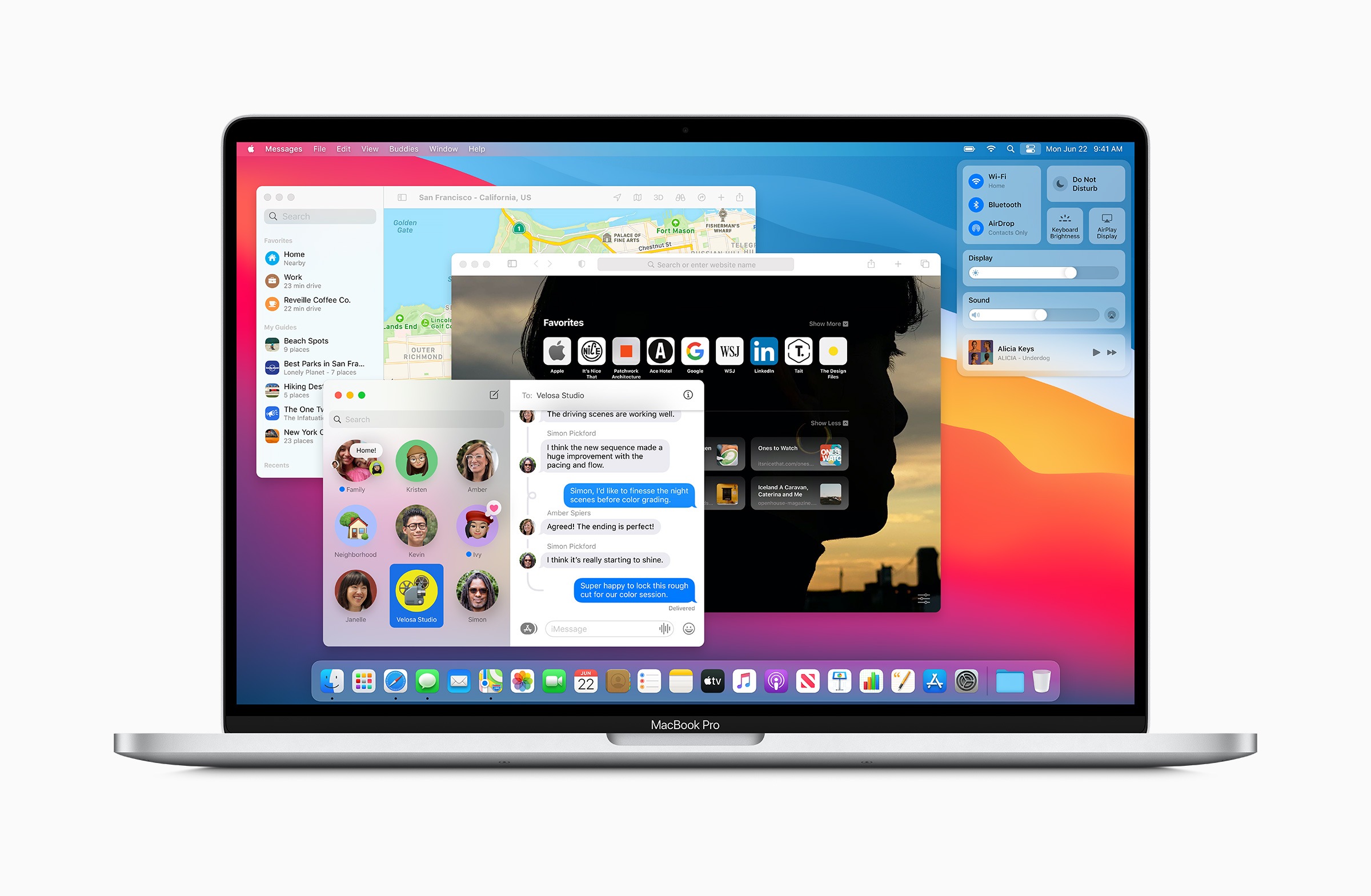
Apple caused a big surprise with macOS 11 Big Sur. The new Mac operating system offers, among other things, a new design and many interesting features. But the update also brings a very important change that Apple did not announce.
macOS 11 Big Sur, for example, adds widgets and a new control center. Safari has also been fundamentally redesigned. Overall, Apple is bringing macOS closer to iOS and iPadOS. But there is an important change in the area of software updates that Apple did not mention at WWDC 2020. Every Mac user knows it. The installation process of a new update can take up to an hour, depending on the scope. The Mac cannot be used during this time. Both the preparation and installation processes are carried out when booting, so that the system remains inaccessible until the update is complete. A feature that has been perceived as annoying for years. But under macOS 11 Big Sur, everything is now changing. Part of the software update is to be carried out in the background. Apple explains this on its own website. website:
New technology protects against manipulation
Once macOS Big Sur is installed, software updates begin in the background and happen faster than before, making it easier than ever to keep your Mac up to date and secure.
Apple has not described the process in detail, but it is believed that the new update process is similar to that of iOS. This means that both the update and the necessary files are prepared in the background before the restart. As a result, the boot process takes significantly less time. In addition, Apple explains that macOS 11 Big Sur has a new technology that protects the system from tampering. This allows for faster installation of updates. It says:
macOS Big Sur introduces a cryptographically signed system volume that protects against malicious tampering. It also means your Mac knows the exact layout of your system volume, so it can launch software updates in the background while you work.
The new Mac operating system is currently only available as a beta version for registered developers. According to Apple, a public beta will also be released this month. The final version of macOS 11 Big Sur is expected to be released in the fall of this year. (Image: Apple)