
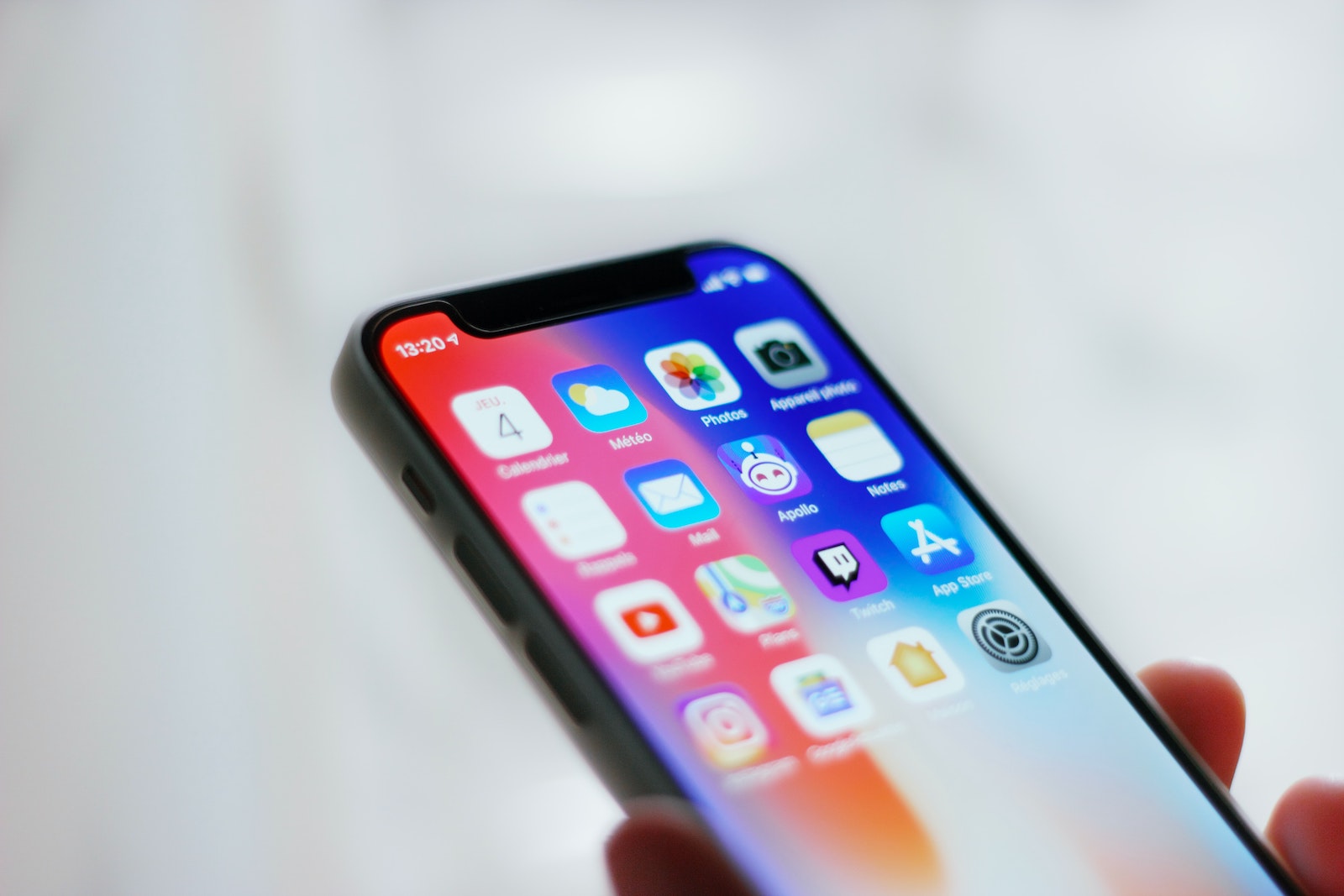
Both iPhone and iPad have a built-in intelligent search feature called Spotlight that lets you search apps, files, and the web to find what you're looking for. In iOS 16, Apple has improved Spotlight search - here's an overview.
To access Spotlight Search, you usually swipe down from the home screen to bring up the search interface. But in iOS 16, Apple decided to add another "Search" button. You'll now find a "Search" option at the bottom of the home screen that you can tap to open the Spotlight search interface.
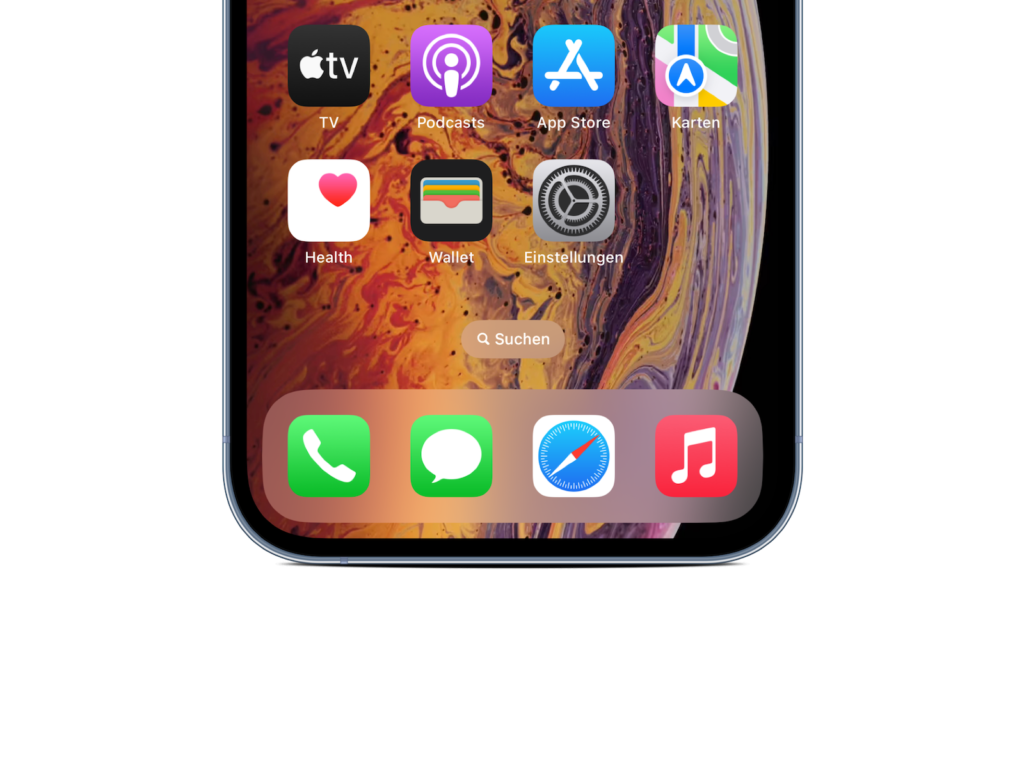
The "Search" button replaces the dots that previously showed you how many app pages you had available. The button is now located directly above the dock. If you don't like the whole thing, you can also deactivate the feature. How this works, you can find out in our separate tip article. Spotlight can find places, people, scenes, text, pets, objects, and more in images from Messages, Notes, and Files, as well as in the Photos app in iOS 16.
iOS 16 Quick Actions
Apple has updated Spotlight to support Quick Actions, which are functions that can be performed directly from the search interface. Some of the options include:
- Start a timer
- Activate a focus
- Shazam a song
- Execute a shortcut
Spotlight can also help you find the shortcuts available for each app.
Improvements to Siri suggestions
Apple updated Siri Suggestions to take context into account when suggesting apps you might want to use. This makes the apps and actions suggested in Spotlight more relevant to what you're doing. For example, Siri Suggestions can suggest directions if you have a meeting coming up or check your flight status if you have a flight. It can also suggest calling someone who has a birthday, show your favorite apps that you use at certain times of the day, or show your recent searches so you can quickly return to previous results.
Live activities
When Apple introduces Live Activity in the future, Spotlight can be used to launch a Live Activity that will appear on the Lock screen. Live Activity is an interactive notification that is always up to date and allows you to keep an eye on things happening in real time right on the Lock screen. For example, if you're watching a football game, you can see the current score on the Lock screen, or if you're waiting for an Uber ride, you can see if your driver is approaching. Live Activity isn't available at launch with iOS 16, but will be added in a future update.
Advanced Rich Results
Apple is improving rich search results, which show information like dates about an actor when you search for an actor's name. The feature now shows additional information about companies, sports leagues, and sports teams.
App Clip improvements
App Clips are modified versions of apps that allow you to use limited features of an app without having to do a full installation. Spotlight is integrated with App Clips and shows you App Clip suggestions when you are in a specific location. In iOS 16, Apple uses precise location suggestions to improve App Clip suggestions in Spotlight. But as always, location-based suggestions can be disabled in the Privacy section of the Settings app. Whether your device is compatible with the new Software is compatible, you can find out here. (Photo by Unsplash / Adrien)



