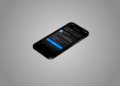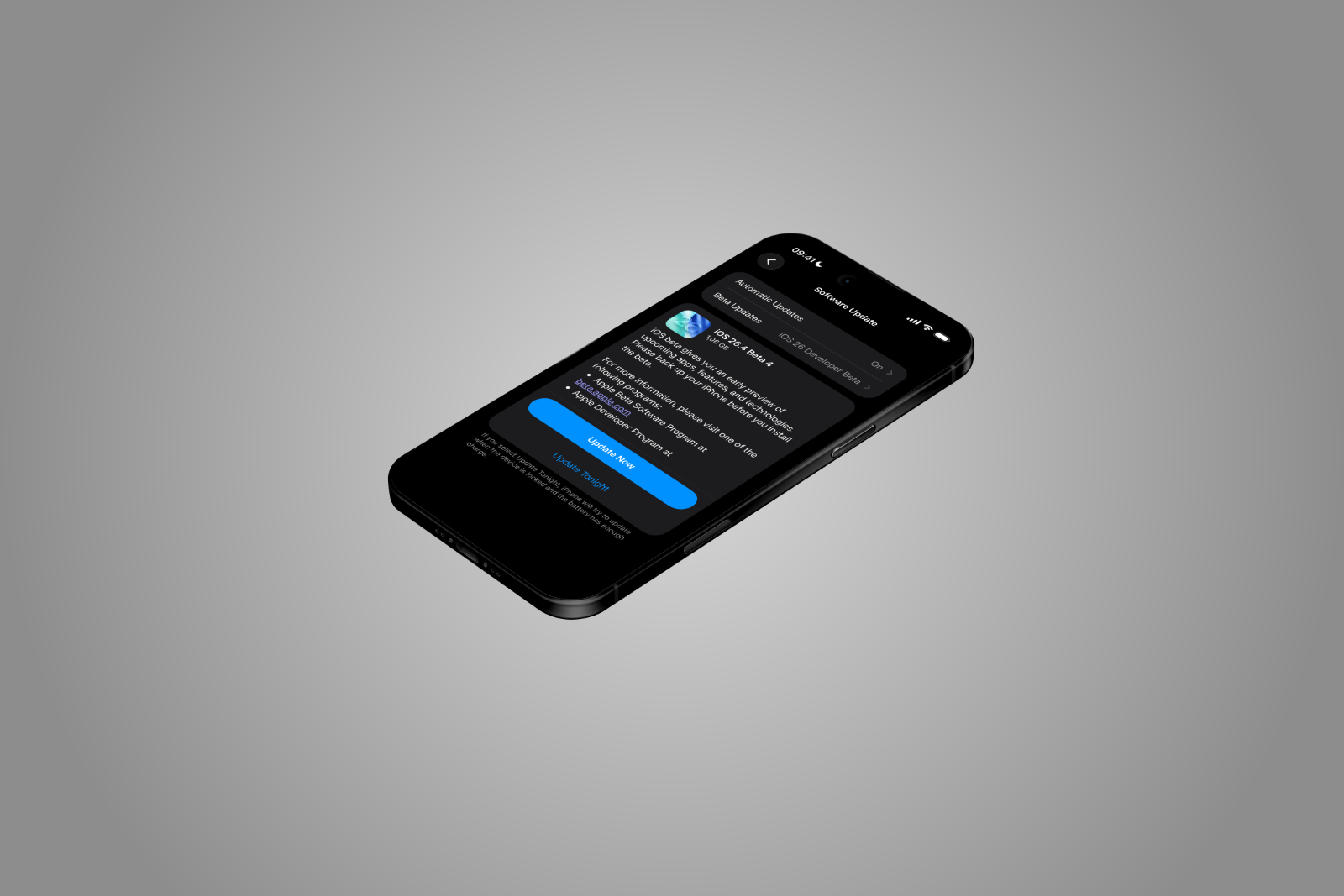
Apple continues development of iOS 26.4. iOS 26.4 Beta 4 is now available to developers and public beta testers. As is typical in later stages of a beta, the changes are smaller than in the initial releases. Nevertheless, the current beta includes several improvements.
Key new features in iOS 26.4 Beta 4 include additional emojis, changes to an accessibility setting, an adjustment to the RCS end-to-end encryption test, and support for new Apple devices. Minor system tweaks from previous betas are also included in the update.
During the beta phase, Apple tests new features, gathers feedback from developers, and fixes bugs. Each new test version of iOS 26.4 serves to further stabilize the system and prepare it for later release.
Early betas typically focus on major new features. Later versions concentrate more on fine-tuning, minor improvements, and adjustments to existing features. iOS 26.4 Beta 4 is currently in precisely this phase.
Even though the scope of the new features is smaller, the fourth beta still contains some changes that are visible to users.
New emojis in iOS 26.4
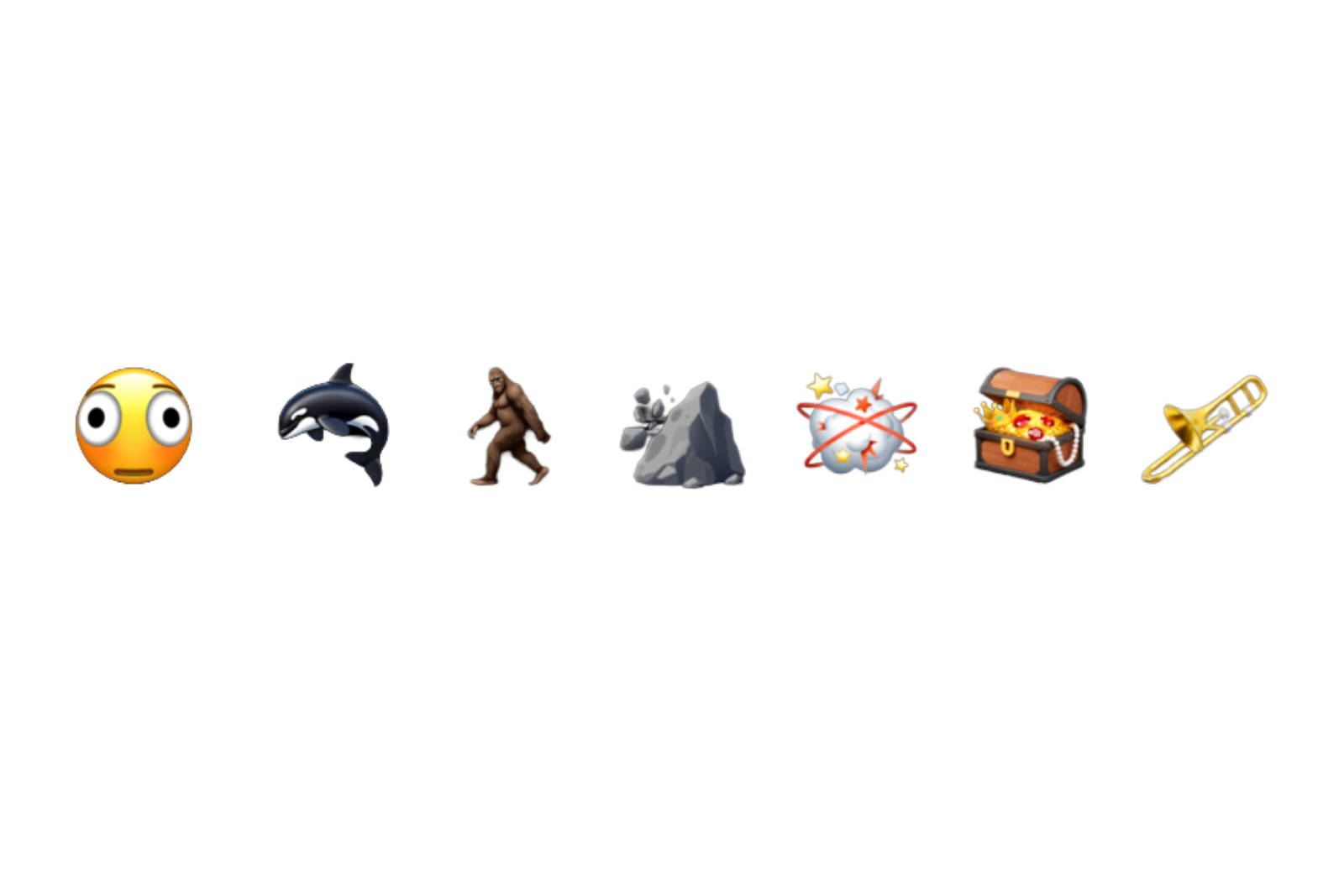
One of the most noticeable additions in iOS 26.4 Beta 4 is the expansion of the emoji library. Apple is adding several new emojis that can now be used in messages, social networks, and apps. The new emoji characters include:
- Trombone
- Treasure chest
- distorted face
- hairy creature
- Battle Cloud
- Orca
- Landslide
These new symbols expand the existing emoji selection and provide additional possibilities in digital communication.
In addition to completely new emojis, existing emojis have also been expanded.
Enhanced customization options for emojis
Apple is adding additional variations for several existing emojis. These include:
- new skin tone modifiers for the wrestler emoji
- New skin tone options for the dancers with bunny ears emoji
- a gender-neutral version of the ballet dancer emoji
These changes are intended to allow for more diversity and customization options in the display of emojis.
User guide: "Reduce bright effects"
In iOS 26.4 Beta 4, Apple has revised an existing accessibility setting. The previous option, "Reduce Highlight Effects," has been renamed.
The setting is now called "Reduce bright effects".
In addition, Apple has updated the description of the feature, clarifying its effects. According to Apple, this setting reduces certain visual effects within the system. Specifically, it reduces:
- Highlights reduced
- Blinking effects minimized
These effects occur when interacting with various user interface elements, for example:
- buttons
- the keyboard
- other interactive elements on the screen
The feature is designed to make the display calmer and reduce visual effects that may be disturbing to some users.
Change to RCS end-to-end encryption
Another change concerns the handling of RCS messages. In the first three beta versions of iOS 26.4, Apple tested end-to-end encryption for RCS. However, this feature was removed in iOS 26.4 beta 4.
Apple had previously announced that full implementation of RCS end-to-end encryption would not be part of the final iOS 26.4 update. Instead, the feature is expected to appear in a future iOS version.
Background on RCS encryption
RCS is considered the modern successor to classic SMS technology. The standard enables additional functions such as:
- Read receipts
- larger media attachments
- Improved group chats
Apple tested end-to-end encryption for two types of communication:
- Conversations between two iPhones via RCS
- Conversations between iPhone and Android devices
Currently, iMessage messages are already fully end-to-end encrypted. Once Apple fully implements RCS encryption, messages between iPhones and Android devices would also have the same level of security.
The removal of the feature in iOS 26.4 Beta 4 therefore does not mean that Apple has ended development. Instead, its introduction is simply postponed to a later update.
Support for new Apple devices
iOS 26.4 Beta 4 also expands support for new Apple hardware. This beta is the first version that can be installed on the following devices:
- iPhone 17e
- M4 iPad Air
With this update, Apple is already preparing the operating system for future generations of devices. At the same time, iPadOS 26.4 Beta 4 also supports the new M4 iPad Air.
Additional features from previous beta versions
In addition to the new features of the fourth beta, iOS 26.4 still includes all the changes that were already introduced in the previous test versions.
This includes various minor adjustments and improvements, including:
- System performance optimizations
- Bug fixes
- minor changes to the user interface
A complete list of all features and changes from the previous betas is compiled in a separate overview of the features of iOS 26.4.
The most important changes in iOS 26.4 Beta 4
iOS 26.4 Beta 4 brings only a few new features, as the update is already in a late stage of development. Nevertheless, the test version contains several visible changes.
This includes new emojis, additional adjustments to existing emoji variants, and a revised accessibility setting. At the same time, the RCS end-to-end encryption test has been temporarily removed, after Apple had already announced that this feature would only be released in a later update.
Additionally, iOS 26.4 Beta 4 expands support for new Apple devices such as the iPhone 17e and the iPad Air M4. This brings iOS 26.4 closer to its final release. The best products for you: Our Amazon storefront offers a wide selection of accessories, including those for HomeKit. (Image: Apfelpatient)
- MacBook Neo: Apple makes repairs significantly cheaper
- ChatGPT uses Shazam and instantly recognizes songs in the chat
- Cosmic Orange Trend: Competitors copy Apple's iPhone
- Apple TV: New star for "The Morning Show" season 5
- MacBook Pro with M5 Pro and Max tested: Incredibly fast
- Apple Studio Display XDR: First reviews praise upgrade
- macOS 26.4 brings MacBook Neo wallpapers to all Macs
- iOS 26.4: New emojis for iPhone, iPad & Mac
- iOS 26.4 Beta 4 is here: Apple continues the testing phase
- Apple now integrates MagSafe into every new iPhone
- M4 iPad Air Reviews: Apple's powerful tablet just got better
- iPhone 17e: Initial reviews praise the new budget model
- Apple turns 50: Tim Cook calls Apple "unique"
- MacBook Air with M5: Benchmark shows significant improvement
- Apple is restructuring its leadership: New names in management
- MacBook Neo: Apple focuses on design despite the low price
- iPhone 17e: Initial benchmarks show strong CPU performance
- Apple TV confirms: Silo season 4 has already been filmed
- Apple TV releases teaser for Ted Lasso Season 4
- Apple TV wins two awards at the GLAAD Media Awards
- Apple and Sydney Opera House support creative talent
- MacBook Neo: Initial benchmarks reveal its potential
- Apple M5 Max sets a true benchmark record