apple patient
  • Home
  • News
  • Rumors
  • Tips & Tricks
  • Tests & Experience Reports
  • Generally
No Result
View All Result
  • Home
  • News
  • Rumors
  • Tips & Tricks
  • Tests & Experience Reports
  • Generally
No Result
View All Result
apple patient
No Result
View All Result

How to delete iPhone and iPad properly

by Milan
June 1, 2018
in Tips & Tricks
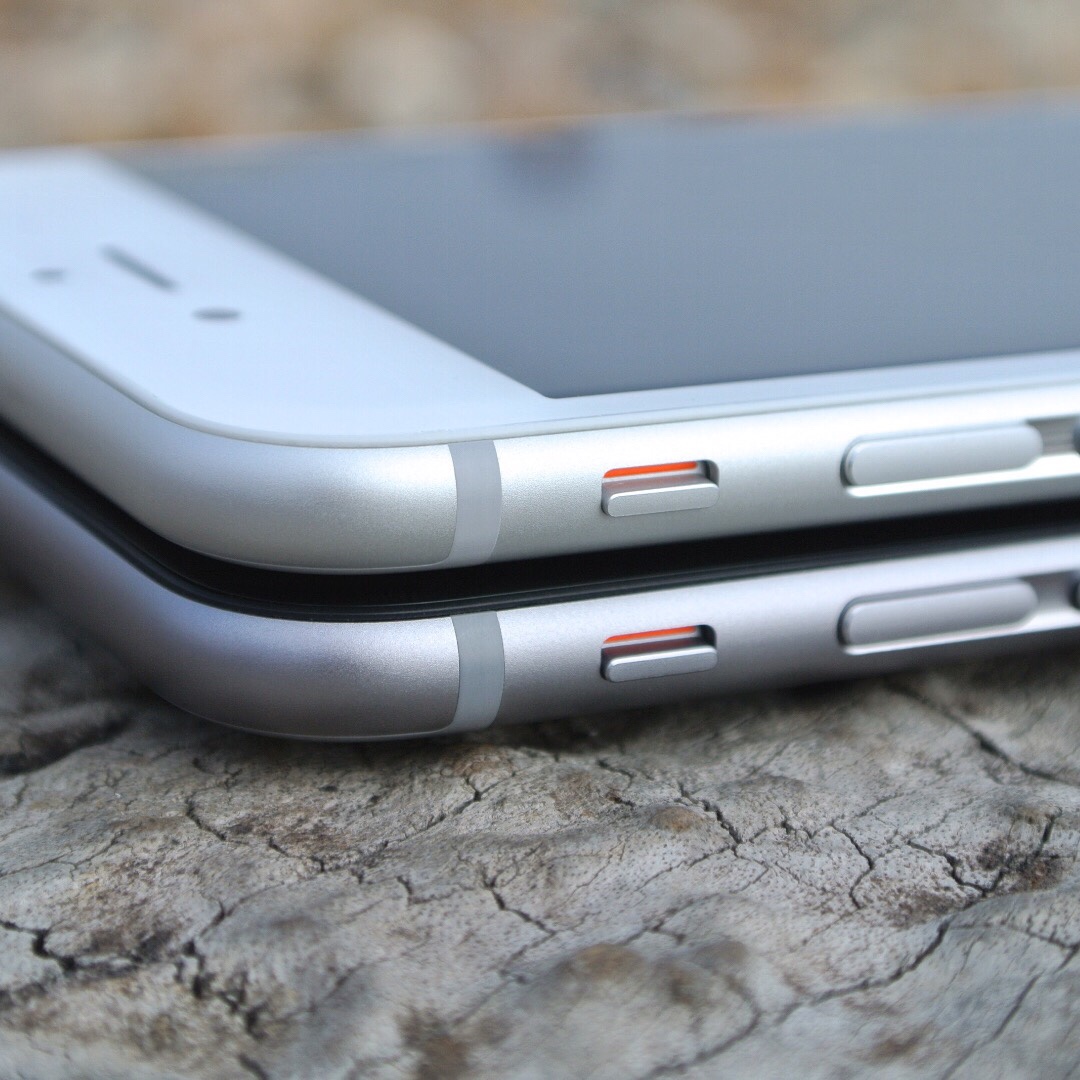
Photo by Unsplash

Photo by Unsplash

Before completely deleting the iPhone or iPad, you should first create a backup. (How do I create an iOS backup?)

If an Apple Watch is paired, it must now be unpaired. If notes, photos, address book, etc. have been synchronized with iCloud, please next "Find My iPhone“ in iCloud, then the iCloud account can be disconnected from the iPhone / iPad. It would also be advisable to deactivate iMessage and Facetime.

Now the iOS device can be reset. To do this, go to "Settings", tap "General", scroll all the way down and click "Reset". Now you have to tap "Reset all settings". The iOS device will now be completely erased, which means that all data will be removed and all configurations will be reset.

Add Apfelpatient to your Google News Feed. 
Was this article helpful?
YesNo
Tags: iOSiPadiPadOSiPhone
Previous Post

How do I create an iOS backup?

Next Post

GrayKey allegedly continues to unlock iPhones – despite new security feature

Next Post

GrayKey allegedly continues to unlock iPhones – despite new security feature

Apple Studio Display XDR

Studio Display XDR: Apple plans update for full calibration

March 10, 2026
M5 MacBook Air Apple

M5 MacBook Air Reviews: More performance than expected

March 10, 2026
visionOS 26.4 X-Plane Apple Vision Pro

visionOS 26.4: How to get X-Plane 12 on Apple Vision Pro

March 10, 2026

About APFELPATIENT

Welcome to your ultimate source for everything Apple - from the latest hardware like iPhone, iPad, Apple Watch, Mac, AirTags, HomePods, AirPods to the groundbreaking Apple Vision Pro and high-quality accessories. Dive deep into the world of Apple software with the latest updates and features for iOS, iPadOS, tvOS, watchOS, macOS and visionOS. In addition to comprehensive tips and tricks, we offer you the hottest rumors, the latest news and much more to keep you up to date. Selected gaming topics also find their place with us, always with a focus on how they enrich the Apple experience. Your interest in Apple and related technology is served here with plenty of expert knowledge and passion.

Legal

  • Imprint – About APFELPATIENT
  • Cookie Settings
  • Privacy Policy
  • Terms of Use

Service

  • Partner Program
  • Netiquette – About APFELPATIENT

RSS Feed

Follow Apfelpatient:
Facebook Instagram YouTube threads threads
Apfelpatient Logo

© 2026 Apfelpatient. All rights reserved. | Sitemap

No Result
View All Result
  • Home
  • News
  • Rumors
  • Tips & Tricks
  • Tests & Experience Reports
  • Generally

© 2026 Apfelpatient. All rights reserved. Page Directory

Change language to Deutsch