apple patient
  • Home
  • News
  • Rumors
  • Tips & Tricks
  • Tests & Experience Reports
  • Generally
No Result
View All Result
  • Home
  • News
  • Rumors
  • Tips & Tricks
  • Tests & Experience Reports
  • Generally
No Result
View All Result
apple patient
No Result
View All Result

Apple Pay Germany – ING DIBA launches

by Milan
October 15, 2019
in News
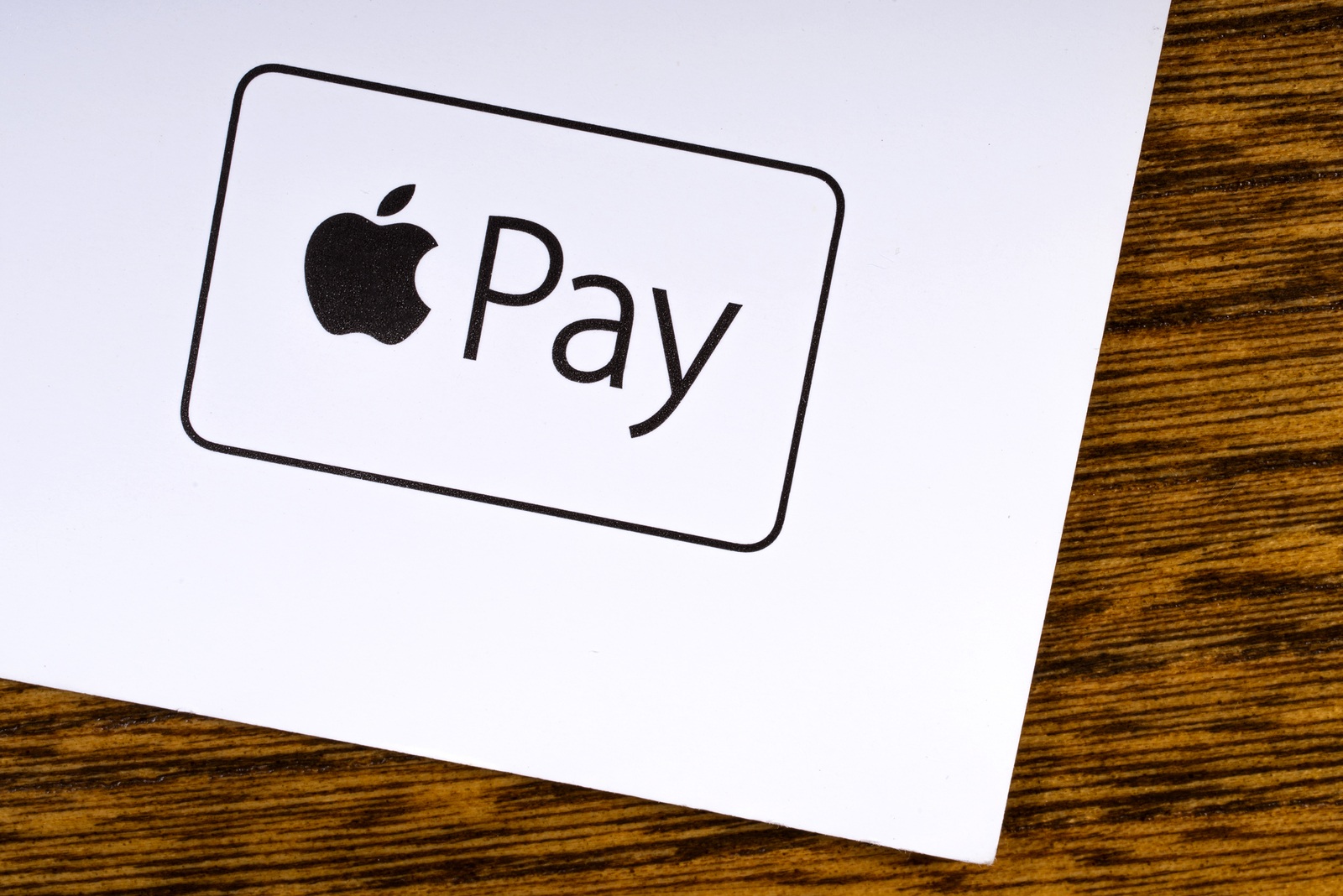
LONDON, UK - MARCH 27TH 2018: A close-up of the Apple Pay logo, pictured on the bottom of a leaflet, on March 27th 2018. Apple Pay is a mobile payment and digital wallet service by Apple Inc.

LONDON, UK - MARCH 27TH 2018: A close-up of the Apple Pay logo, pictured on the bottom of a leaflet, on March 27th 2018. Apple Pay is a mobile payment and digital wallet service by Apple Inc.

It’s now official – ING DIBA now supports Apple Pay in Germany.

ING DIBA customers can now store their credit card in the Apple Wallet application and from now on pay conveniently with their iPhone etc. Customers of Volksbanken and Raiffeisenbanken as well as Sparkassen will have to be patient for the time being. The latter recently updated their own terms of use for Apple Pay - so the launch could be soon.

How do I set up Apple Pay?

In order to use Apple Pay on an iPhone, Apple Watch or Mac, the user must go through the setup process. Apple has made this very simple. The basic requirement is, of course, up-to-date software on the respective device, a functioning Apple ID and a card.

Setting up on an iPhone, iPad or Mac:

To start the setup, you need to open Wallet & Apple Pay in the system settings. Then click on the command "Add a new card". You will now be asked to select a stored card - you must enter the security code. Finally, click on "Next" and the system will check the entries and decide whether Apple Pay will be activated.

Some providers require additional verification to activate Apple Pay - the respective bank will make a corresponding request for this. Once activation is complete, Apple Pay can be used immediately. By the way: If you would like to see the transactions you have made, you can access the transaction history directly via the Wallet app.

Setting up on an Apple Watch:

To activate Apple Pay on an Apple Watch, the same steps are necessary as for the other devices. Only the access differs. The Wallet & Apple Pay app can be accessed under the Apple Watch app. (Photo by chrisd2105 / Bigstockphoto)


You don't want to miss any more news? Then subscribe to our Telegram channel
Add Apfelpatient to your Google News Feed. 
Was this article helpful?
YesNo
Tags: Apple servicesApple PayApple Pay GermanyiPhone
Previous Post

Apple publishes its own press page for Apple TV+

Next Post

Apple releases iOS 13.1.3 and more

Next Post
Kyiv, Ukraine - Fabruary 6, 2018: Apple iPhone 8 plus with social network apps on the screen with macbook, ipad, coffee and headphones on black desk, top view.

Apple releases iOS 13.1.3 and more

Apple Coruna

Apple closes Coruna vulnerability with updates for older devices

March 12, 2026
Apple iPhone 17e

Apple releases repair manuals for iPhone 17e & Co.

March 11, 2026
Foldable iPhone Fold Apple

iPhone Fold offers multitasking and iPad-like navigation

March 11, 2026

About APFELPATIENT

Welcome to your ultimate source for everything Apple - from the latest hardware like iPhone, iPad, Apple Watch, Mac, AirTags, HomePods, AirPods to the groundbreaking Apple Vision Pro and high-quality accessories. Dive deep into the world of Apple software with the latest updates and features for iOS, iPadOS, tvOS, watchOS, macOS and visionOS. In addition to comprehensive tips and tricks, we offer you the hottest rumors, the latest news and much more to keep you up to date. Selected gaming topics also find their place with us, always with a focus on how they enrich the Apple experience. Your interest in Apple and related technology is served here with plenty of expert knowledge and passion.

Legal

  • Imprint – About APFELPATIENT
  • Cookie Settings
  • Privacy Policy
  • Terms of Use

Service

  • Partner Program
  • Netiquette – About APFELPATIENT

RSS Feed

Follow Apfelpatient:
Facebook Instagram YouTube threads threads
Apfelpatient Logo

© 2026 Apfelpatient. All rights reserved. | Sitemap

No Result
View All Result
  • Home
  • News
  • Rumors
  • Tips & Tricks
  • Tests & Experience Reports
  • Generally

© 2026 Apfelpatient. All rights reserved. Page Directory

Change language to Deutsch